
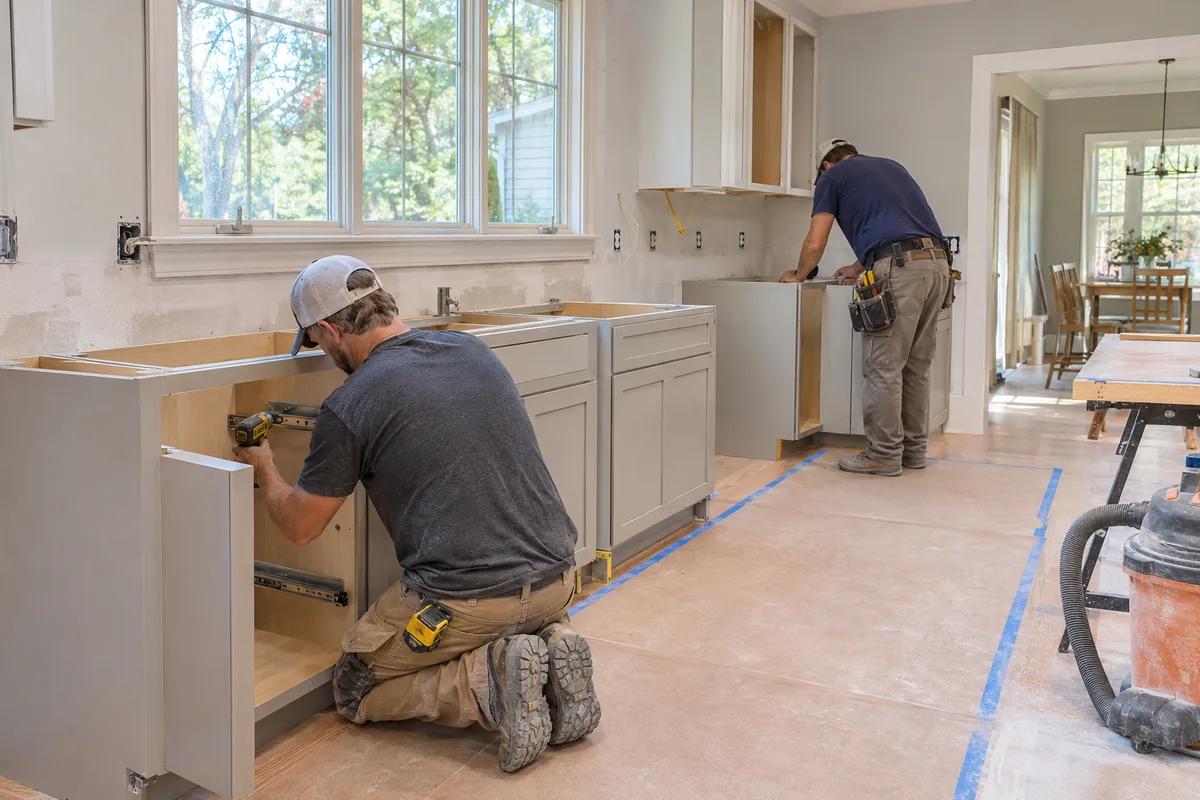
How a kitchen idea turns into a first visit
The homeowners want to open up their kitchen. They’re still in the house, they have a few photos saved, and they don’t know whether the wall can come down. What they need from your website is a chance to see similar jobs and a clear way to start a conversation.
- They find a project like theirs.Your kitchen page shows a few layouts and tells them what your crew did.
- They share the basics.The request includes their town, the room they want to change, and when they’d like to start.
- They get a reply.Your team confirms the request made it through and says when someone will get in touch.
- You check whether it fits.You see if you cover the address and do the kind of work they want before lining up a visit.
- You follow up after the visit.If the homeowners are still working through plans or bids, a useful check-in gives them a reason to reply.
You’ve already done work before you show up for the visit. The site answers a few common questions, and the office can see what the homeowner meant by “open up the kitchen.” That helps you start with the project itself and use the visit for the details you need to see in person.
The first call can come before the homeowner has a plan
A homeowner may know the kitchen doesn’t work for the family and have a handful of saved photos. Another may already have a layout from a designer. Both may be a fit for the same remodeler. One is asking what goes into getting started. The other wants to know whether the crew can build an agreed scope within their timeline.
A project page can show how a remodeler handled a similar room. A photo of the finished work and a note about the starting layout give the owner something to bring up on the first call. The office can take the address, room and stage of planning without requiring a detailed scope the customer doesn’t have yet.
When the drawings or photos arrive later, they can stay with the original inquiry. The homeowner can pick up the conversation without explaining which side of the kitchen they wanted to change. The project lead can see what’s ready for a visit and what is still being decided.
The remodeling projects the crew takes
A hall bathroom update, a custom kitchen, and an addition take different time and crews. Think about which projects you can do well and which ones fit into your schedule. A small bathroom may be a great job near an existing site, while a larger addition might make sense farther out. Your site can explain which area you cover for each kind of work.
A full bathroom renovation and a short list of finish updates have different scopes. A service page can show which work is part of the company’s business. The office gets a request closer to what the homeowner has in mind.
A few requests for small updates can show that a page needs to describe the scope more clearly. The inquiries that led to site visits also show what the page already does well.
A remodeling website that shows the job behind the photos
A photo shows the room. A description can explain what the family wanted and how the crew changed the layout. Someone with a similar house has more to talk about on the first call.
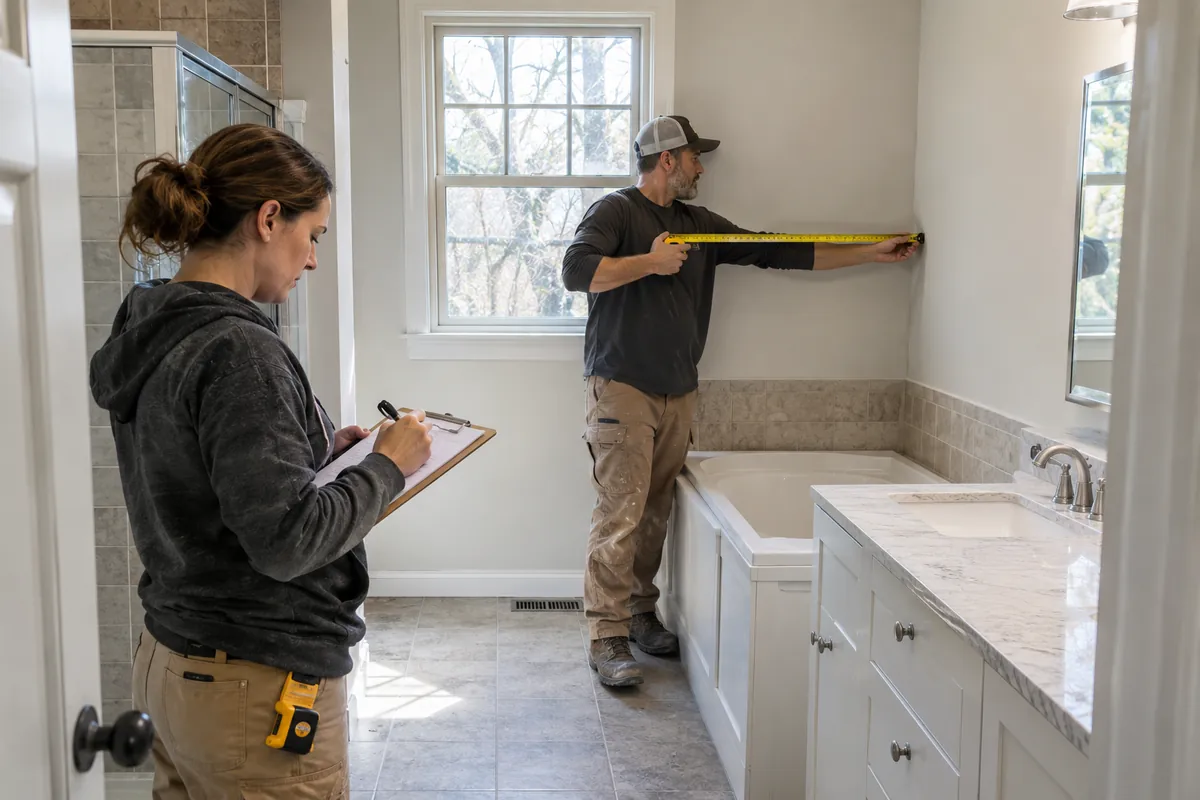
A project might add prep space without changing the whole footprint. A note about that can explain why the work mattered. Photos from a similar angle show the change.
Kitchen, bathroom, addition and whole-home work can have their own pages. Relevant projects can sit beside the service description. The homeowner can see what the work looks like without starting over in a gallery.
A first form can hold the room, address, rough timing and contact details. Photos and plans can follow when the homeowner has them. The office can see whether a call or visit is the next step.
On a SystemsPal website, the project request lands beside office calls and texts. A launch test shows where the request arrives on a phone and what the homeowner sees when the office replies.
How SystemsPal handles a remodeling request
A 30-minute look at the website, phone and follow-up.
What a bathroom project looks like when it’s the only bathroom
A homeowner comparing bathroom remodelers may care as much about how the house will work during the job as about the finished tile. They might need to know when the room will be out of use or whether the crew has handled an occupied home before. A relevant project example can show the result and say what the crew worked around.
The office can keep those constraints with the inquiry. When the estimator calls, they can discuss the scope, access and details that affect the schedule. If the customer is comparing a partial update with a full renovation, the estimates can show which work each conversation was about.
A question may come in after the customer reads the estimate with someone else in the household. The person replying can see the visit notes and send the question to the right person. The customer can reach the same office when the conversation returns a week later.
Local SEO for remodeling contractors
A homeowner searching for a bathroom remodeler in town might start in Maps. Someone planning a second floor may spend time looking at additions. Service pages can make both searches useful by showing nearby work and a way to reach the office.
Google Business Profile
Current hours, the right number and coverage details make a Google profile useful. Photos from recent projects can give someone comparing work a reason to visit the website.
Project and service pages
A kitchen service page explains the work the crew takes and how a visit starts. A project page shows what happened in a particular kitchen. Linking them gives the homeowner a way to see examples and return to the estimate process.
On-site SEO
We set up on-site SEO as we build the site, with clear titles, useful links and pages that work on phones. The remodeling SEO guide explains how service pages, examples and Google business details help nearby homeowners find a company.
A remodeling estimate can wait on something outside the job
An estimate may go quiet while the homeowner waits on cabinets, a design revision or the sale of another property. The project may still be a good fit. The office can see what the homeowner is waiting for and when they expect to know more.
A follow-up tied to that conversation has something specific to ask. When the customer replies, the project lead has the earlier scope in view. If the start date changes without changing the work, the office can keep the same estimate and confirm the new timing with the customer.
When the work is approved, the crew and office can work from the latest scope. A note about the house, access and choices already made gives the team a place to begin. The earlier conversation matters on the first day of work even if it started months before.
A project request while the crew is on another job
A homeowner gets one evening to sit down and send a few inquiries. An automatic reply lets them know someone saw the request. It can ask a short question or tell them when your team is available to talk. The first reply is a chance to make the next step clear.

With missed-call text-back, someone who calls while you’re onsite can still tell you the room, area, and timing. Lead follow-up can send a reply to form requests. The shared inbox keeps both conversations available for the office or estimator who replies.
A homeowner still planning may have photos or want to see similar work. After the estimate they may ask about the scope. The original conversation helps the office see where the project stands both times.
What a finished remodel can do for the next job
A customer sees a room become usable again after living around the work. They may remember how the crew handled a schedule change or which detail made a small space work better. A review link gives them somewhere to describe the experience while it’s still fresh.
With permission, finished photos can live on the matching service page with a short account of what the crew built. A homeowner with a similar kitchen or bathroom can see the real scope and ask a better question. A designer can share the link when another client asks who did the work.
The office can keep that referral or original search with the project. Signed work may arrive months after a first call. The record can show which photos, pages and introductions brought in projects the crew built. That matters when the calendar is full of meetings and it’s hard to see which early conversations turned into work.
Where ads and referrals fit
Paid search can bring someone to a page about a specific remodel. A comparable project shows the work and how a visit starts. Booked visits and approved jobs show how much interest turned into work.
A designer or cabinet shop can introduce an owner who already knows part of the project. A relevant project link gives them something useful to share, with a way to reach the office on the same page.
An open estimate may already have a date when the owner wants to hear back. The office can get in touch about the work with that timing in mind. SystemsPal customer campaigns can help past customers and referrals reach the same business number.
The review after handover
On the last day, the family can see the finished room. A walk-through gives them room to ask about the work. A review link after that visit lets them describe the project while it’s fresh.
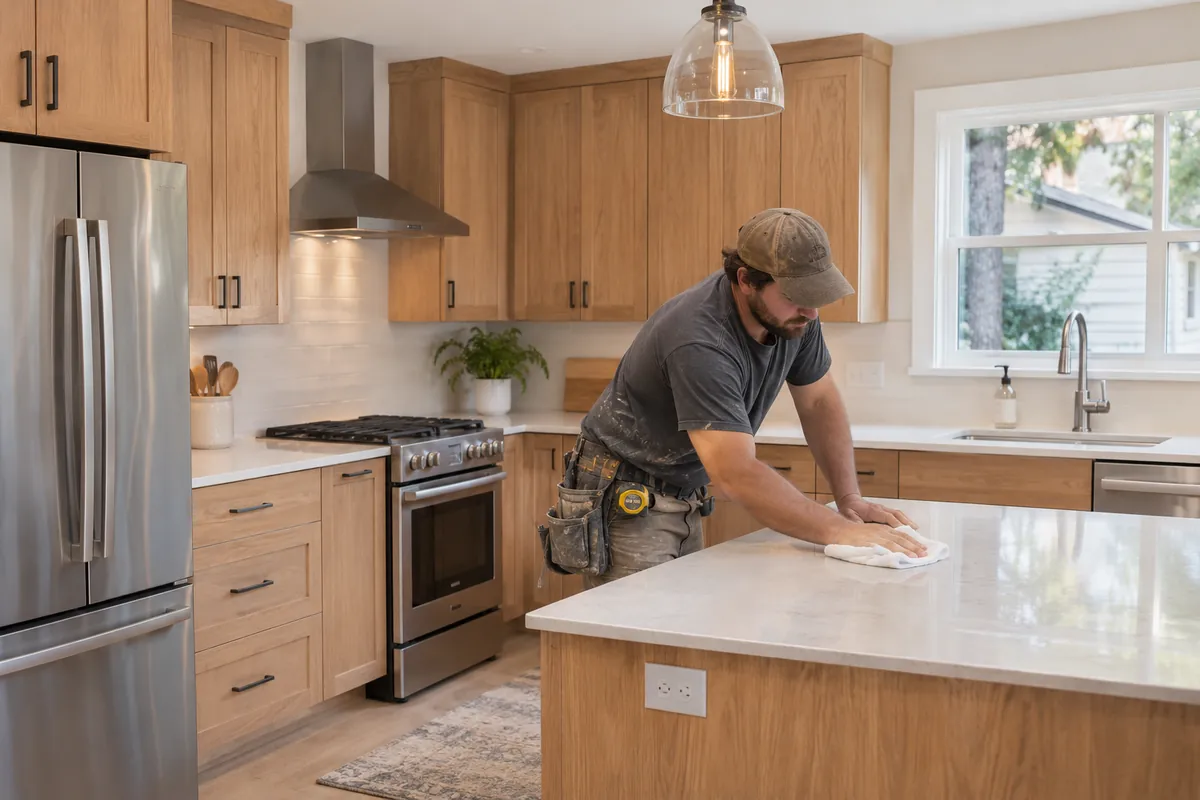
Review requests give the office a way to send that link. A customer can talk about how the crew handled changes, what the work was like in an occupied home or how handover went.
When the owner agrees to share photos, the job can become an example on a service page. A short description with the photo shows what the crew built.
What happens when the project changes before the first visit
Someone calls about replacing kitchen cabinets and later sends photos of a wall they’re thinking about moving. The project has changed enough that the estimator may need a different conversation. The photos, address and first request are still useful. They show what the owner was thinking before the scope grew and what the crew may need to see at a visit.
The same change can happen in the other direction. An owner may decide to keep the existing layout and focus on the parts of the kitchen that need work. A project page can show more than one type of remodel, so the customer can refer to something they saw when explaining their plans. The office can keep the new scope with the old note without treating them as two unrelated leads.
The early part of a remodel can involve an owner, a designer and someone in the office. An introduction from the designer may arrive after the homeowner already sent a form. The project record can show who else is involved and who can answer questions about the plans. When someone calls about a visit, the office can see the most recent information without passing them through every person on the team.
The signed work may be different from the first inquiry. A project reached the schedule because those decisions came together, including a scope the customer understood and a date the crew could deliver. The source, project notes and estimate tell that story when the remodeler looks back at what the website and referrals brought in.
A project record can also show why a visit didn’t become a job that month. A customer may have the right kind of house and scope but want to wait for an open period at work. Another may have discovered that the crew doesn’t go to their town. The two calls shouldn’t look alike just because neither is on the schedule yet.
Those details are useful when the remodeler looks at an ad or a service page. One page may bring owners who already have designs. Another may help people at the beginning of a project get in touch. Both can lead to useful work. The signed proposal, timing and earlier notes give the office a way to understand how each inquiry moved.