
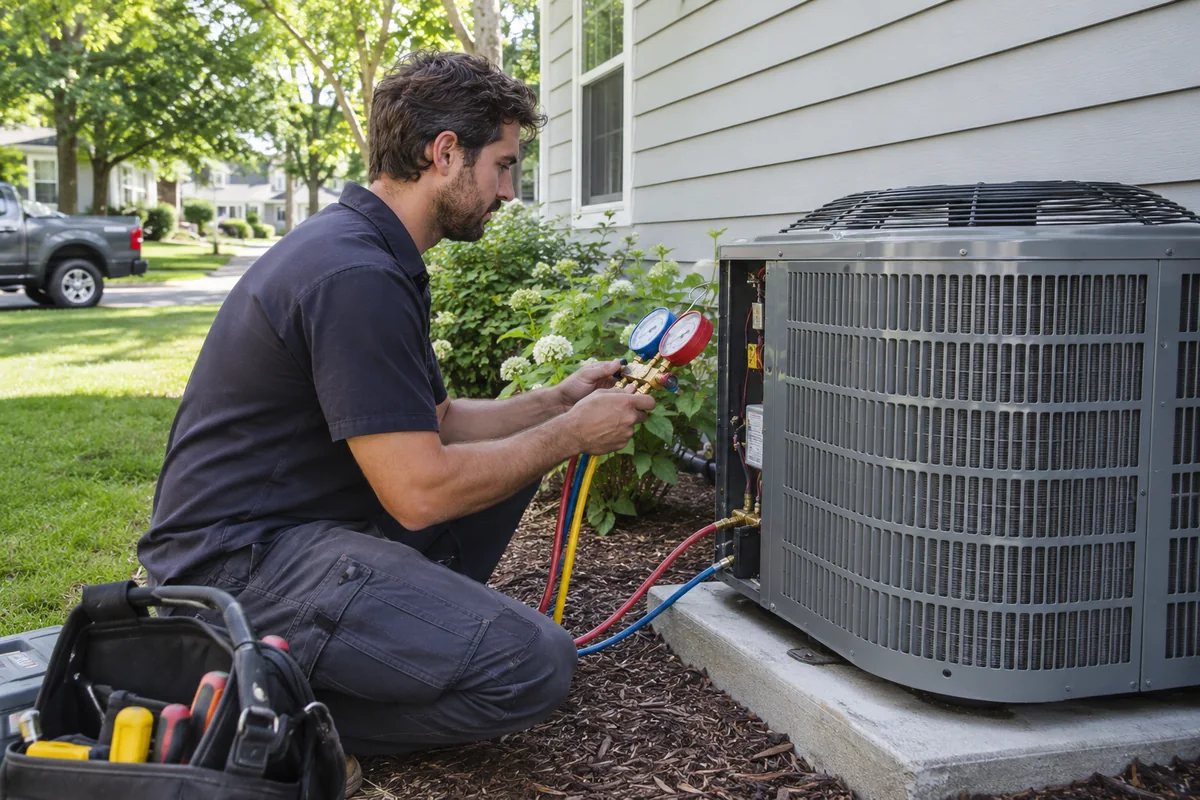
How a Friday AC call turns into a service visit
It’s hot, and the outdoor unit has stopped running. The homeowner needs someone who can get there and tell them what to do next. Your own schedule is already getting tight. A good first reply sets a clear expectation before either side wastes time.
- They find your AC repair page.It says which towns you cover and gives them an easy way to reach the office.
- They call or send a request.The form asks where they are, whether the system is still running, and the best way to reach them.
- They get a reply.If you miss the call, they can text back with their ZIP code and the problem in a few words.
- Your office checks the route.The team confirms an available window or tells the customer when it can make it out.
- The technician closes the loop.Once the service is done, the office can send a review request while the experience is fresh.
A first text can collect what the customer has seen or heard. The technician looks at the system on site. The office can see who has the call and confirm whether a visit is available.
When the first call is about a hot upstairs room
The homeowner may know the upstairs hasn’t cooled down since morning. They may have a photo of the thermostat and an address, but no idea what’s wrong with the equipment. The office can ask what they noticed and check whether a technician is already nearby. The description stays with the request so the tech can start with what the customer actually saw.
A call about an install can come through the same number without going on the same schedule. The customer might want to talk through an older system, their timing and the kind of estimate the office offers. That may need a longer conversation than a dispatch call. The request, photos and contact details can be there when the estimator picks it up.
When the customer calls again, the office can see whether a service visit is booked or whether an install conversation is still open. Both jobs have a place to continue while the technician stays with the work on the calendar.
The HVAC calendar changes with the weather
No-cooling calls can fill a route in a morning. A heat pump replacement, rooftop service call and mini-split estimate each need different time and crew. The website can explain which jobs the company takes and how each one starts.
Installation customers may want to see a similar heat pump job or know when an estimator can visit. An installation page has room for these questions. The repair page can focus on service calls.
Tune-ups can fill some of the time between peak seasons. The maintenance page can explain the visit and where the vans run. The office can talk about days that fit the route it already has.
A website for the HVAC services you take
A homeowner may use the site from a phone beside the thermostat. A visible number, service area and equipment examples give them a way to call or send a request.
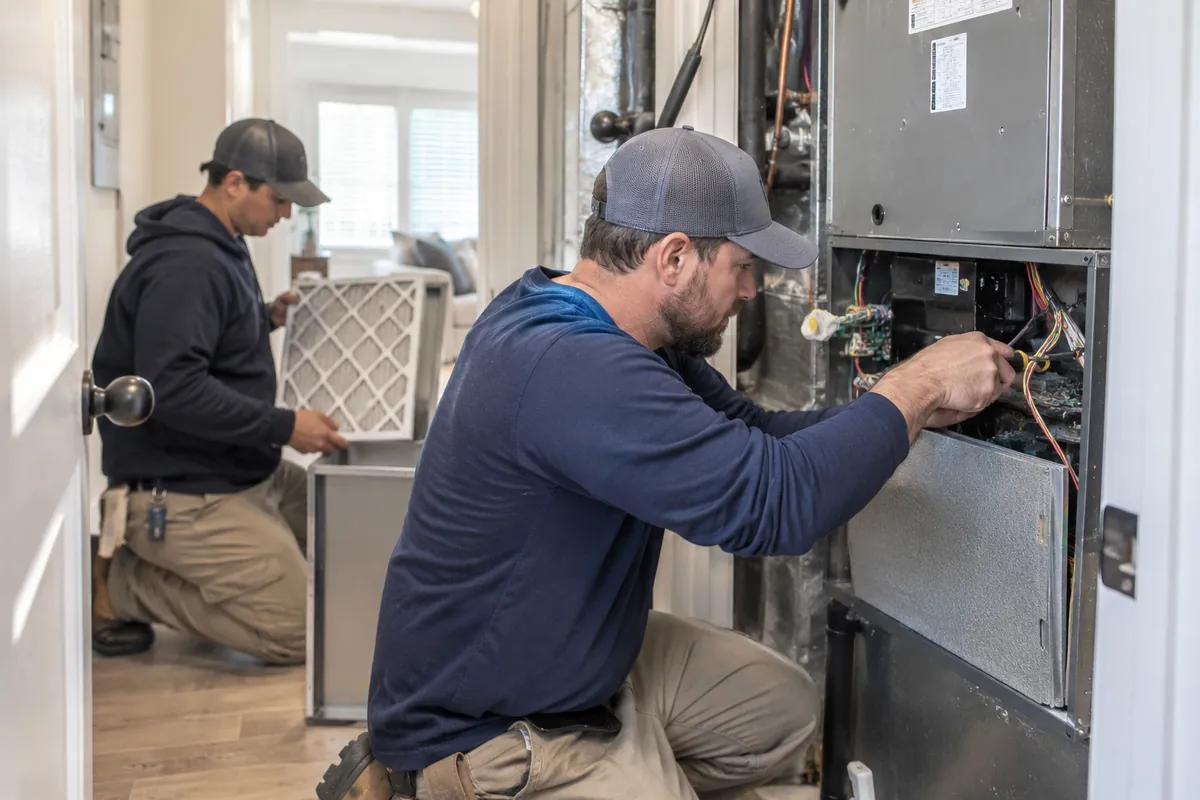
A repair page can explain the first visit. The request can collect what the customer noticed and whether it affects one room or the whole house. The tech can see the description before arriving.
An installation page can show what the estimator looks at and the projects the crew takes. A homeowner weighing a replacement can see how the first appointment works before asking about a system or a date.
A commercial request can carry the company name, address and person arranging access. A manager can send details about the site and hours while the office checks the schedule.
We build the HVAC website around the work your team takes. A launch test shows the office where a web request lands and what a customer sees when a call goes unanswered.
How SystemsPal handles an HVAC service request
A 30-minute look at the website, phone and follow-up.
Why an HVAC estimate may wait on more than a price
A replacement customer may be talking through options at home or waiting to find out when the work can happen. The estimate might bring up a question about what’s included, which room the crew needs access to, or what happens to the old equipment. A follow-up can refer to the estimate that went out.
The person in the office can see what the technician noted and which options the customer already discussed. They can answer a scheduling question or bring in the estimator for a scope question. An automated first reply gives the customer a way to reach someone. The people doing the job still handle the details they know best.
The final approval may land weeks after the first search. If the conversation stays with the estimate, the office can see how the job started and which version the customer approved. The installation crew has that scope in view when the office confirms the date.
Local SEO for HVAC contractors
A customer searching “AC repair near me” and someone searching for heat pump installers nearby may both see your business. The pages they land on should speak to the work they need and the area where they need it.
Google Business Profile
Current hours, a working number and an accurate service area help someone see whether the company can reach them. Holiday or storm hours show what they can expect when timing changes.
Different equipment, different pages
AC repair, heating repair, replacement and maintenance can each have a page. Equipment such as mini-splits can have its own page where it’s a regular part of the work.
On-site SEO
We handle on-site SEO with clear titles, useful links and pages that work on a phone. The HVAC SEO guide explains how service pages, Google Maps and reviews come together. The work people search for changes with the weather, and the website has a place for both repair and maintenance.
What a quieter maintenance week looks like
The heat has backed off and the service vans have room for a tune-up route. The office can see which customers have called for maintenance before and which parts of town the vans are already visiting. A message can go out when the business has an opening. A customer can reply to a familiar number about a system the company has seen before.
A maintenance page explains the service and how to ask about the next visit. The office can offer a date that fits the schedule. If someone replies from across the county, the company can compare their address with the rest of the route before committing to a time.
One planned route can fill a few service stops. A spike in no-cooling calls can change the whole day after lunch. Seeing completed jobs and return visits alongside the original requests gives the owner a better view of what keeps the vans moving between weather swings.
The next call while the technician is on a job
Your tech is on the side of a house and can’t pick up. The office may already be talking to someone else. A missed-call text lets the next caller share a few details while the team gets to them.
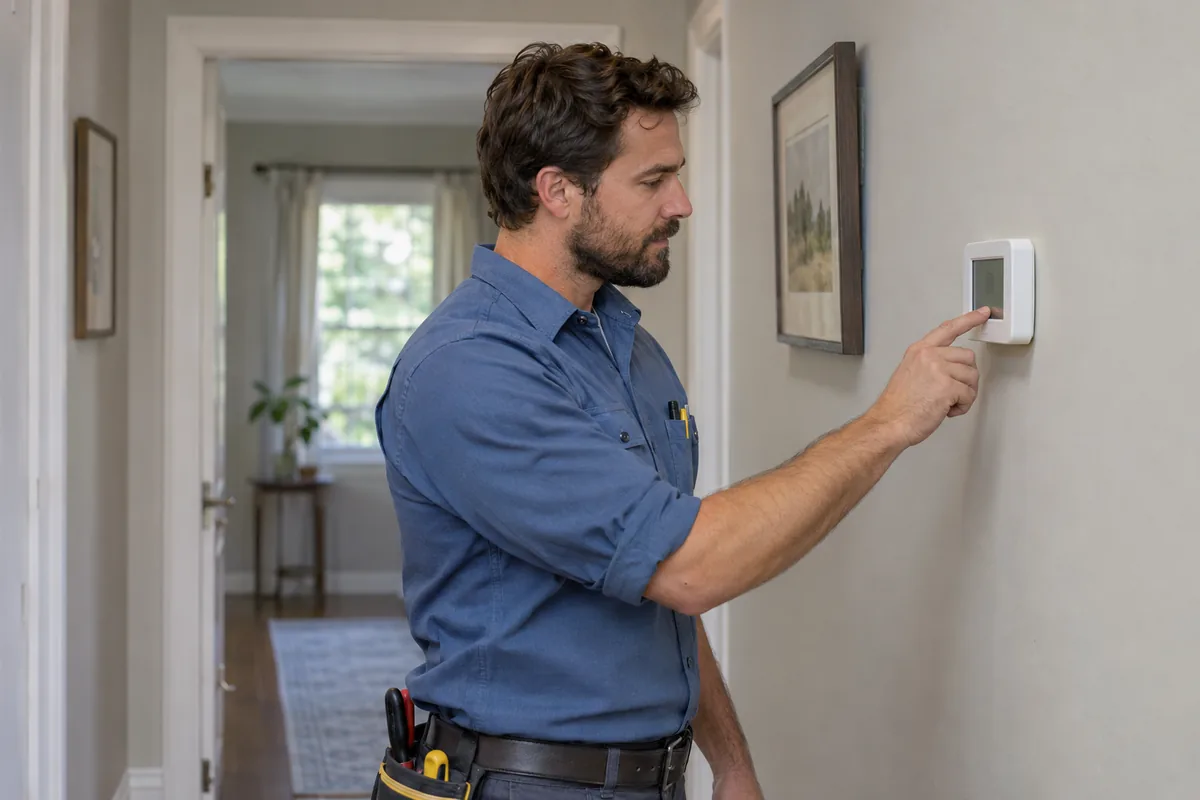
A repair reply can ask for the ZIP code and what the customer noticed. A maintenance reply may be about which day works. The office can see that when it checks what’s available.
Website lead follow-up gives the customer a first response. The shared inbox keeps the reply beside the request so the office sees the history when it confirms timing.
A customer might still be comparing proposals or waiting on a decision at home. An estimate follow-up gives them a way to ask a specific question. The office can see what was sent and bring in the estimator.
Commercial calls often include access and timing questions
A property manager might report a problem at one address while the person calling from the site only knows the suite number. The office needs both, plus the person who can let a technician in. The request can stay with the correct site if the manager has several properties.
An estimate for replacement may also have a different contact who approves it. That contact can get the scope while the on-site person gets the arrival update. The original inquiry and booking still belong to the same work. When the manager calls again from the same number, the office can see which location the conversation was about.
A commercial page can show the work the HVAC company takes and the areas it serves. A manager planning several visits may want to see rooftop or multi-unit work. Someone calling about a single site can send the short version of what happened. The office can see which conversation it’s in before it checks the schedule.
Where ads fit in a quieter HVAC week
A heat wave can fill the service schedule before an ad brings a call. A quieter week may have room for a maintenance route or install estimate. The work that fits can shape which service gets advertised.
A repair ad can lead to a number and a page with honest availability. An install ad can lead to past projects and how the estimate starts. The source and the booking show which search led to work.
The past customer list can help fill a quiet route. SystemsPal customer campaigns give the office a way to reach customers in areas the vans already visit.
What happens after the heat or cooling comes back
Once the work is done, the homeowner can describe how the technician handled the visit and explained the job. A review link from the same business number gives them a simple way to share that.
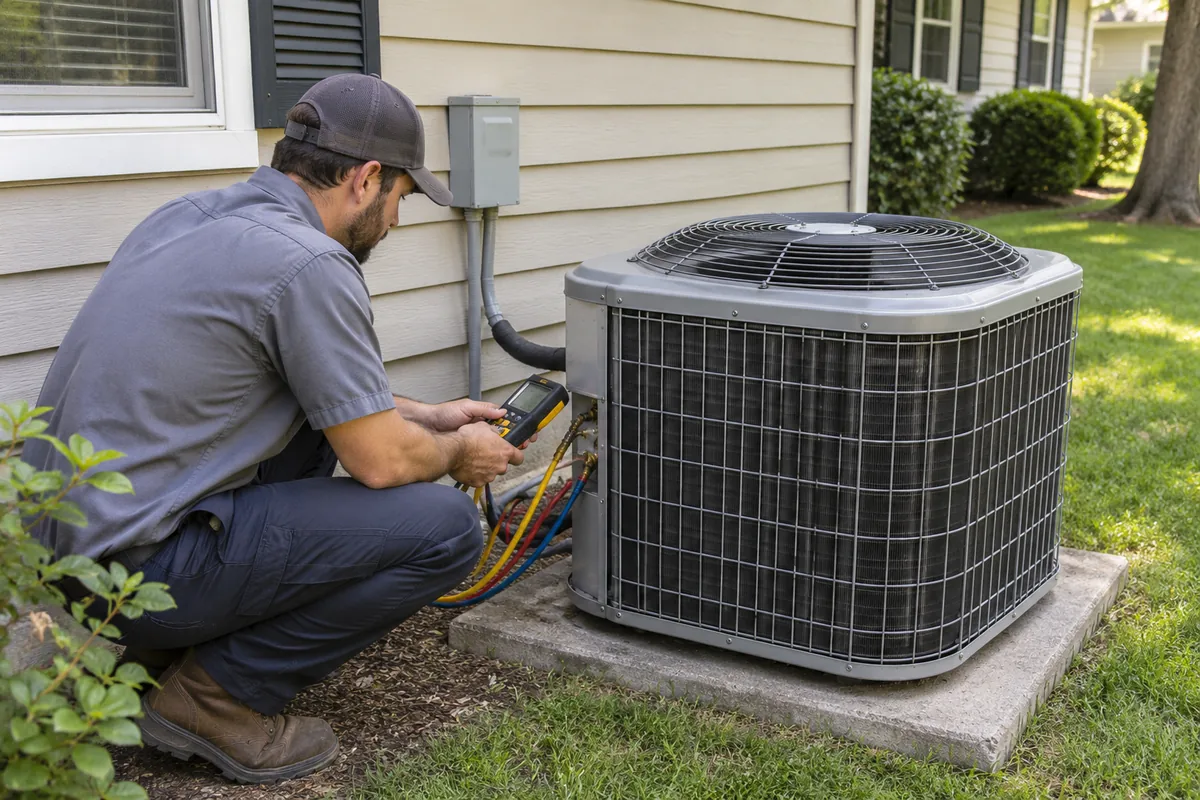
With review requests, a direct link can go out after service. If the customer says the system stopped working again, the office can reply directly and arrange what happens next.
The service record can show the equipment and what the technician did. The office can see whether a later call is about the past visit or a new job.
The record from the first service call still matters next season
A technician comes out for an AC repair in July. The homeowner calls again in October and asks whether the company works on their heat too. The office can see the existing address, type of system and timing of the service. It can discuss a separate heating visit without assuming the homeowner is reporting the same issue.
The same thing can happen in reverse. A homeowner who booked maintenance in the fall may have a cooling problem on the first warm weekend. A new reply can collect what they’re seeing. The office can make the booking with the older visit in view, even when another technician is on call.
Returns tend to come from a few places. A customer may save the company’s number, click a link in a past message or look up the business again. Each path can get back to the same office. The customer can explain what changed in their own words, and the technician can see which property and equipment the request belongs to.
The completed visit also has a role in how the company gets found. A review might mention that the customer got an update about arrival or understood what the technician did. A useful service photo shows a job the crew actually handles. Together those details help another homeowner decide whom to call. They also represent work the business has already done, with the original service and time of year still visible when the office plans the next route.
The office may see patterns when the next season starts. One part of town can bring maintenance work from customers the company already knows. Another might produce installation inquiries that take a month to book. Each still has a place in the calendar. Keeping the service, timing and outcome in view helps the owner see which work is likely to fit as temperatures change.
A customer who phones about a second unit can reach the same business and explain which part of the house they mean. The office can see where the crew worked before and whether the request needs a new estimate or a service visit. When another person takes the call on a busy day, the earlier notes can keep that conversation moving.
A similar handoff can happen after a commercial visit. The manager may want to schedule a separate appointment for another suite and pass along new access instructions. The details go with that site and booking while the office confirms when a van is available. The record from the first visit is still useful even when the second job will need a different technician.