
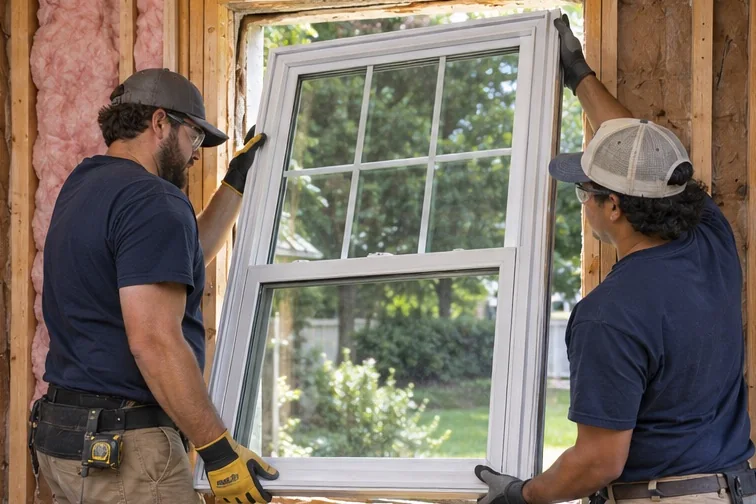
How a window replacement search becomes an estimate
A homeowner has two windows that are hard to open and a front room that feels drafty. They look for a local installer and find people who handle repairs, replacements or both. They may not know whether the window is the problem or what kind of replacement they want. A page that shows the company’s actual work gives them a place to start.
The homeowner sends an address, how many openings they’re looking at and a few photos. The office can check the area and explain whether someone needs to see the property. A question about one window might lead to a visit for two rooms. A whole-house request may need a longer walkthrough with everyone who wants to discuss the choices.
After a visit, the proposal can show which openings are included and what the price covers. The homeowner can come back with a question about the front room without having to repeat the rest of the scope. The office can see the original request and the estimate that came out of it.
Time on the calendar may depend on when an order can arrive and which rooms the crew can access. Those details can stay with the job as it moves from estimate to scheduling. A customer getting a call weeks after approval can still find the earlier conversation.
The website gives window and door customers different starting points
A window replacement customer might want to see a room before and after several openings were replaced. A front door customer may be thinking about how the entrance looks from outside, what light they want in the hallway or whether the old frame needs attention. The website can put examples and questions for each job on its own page.
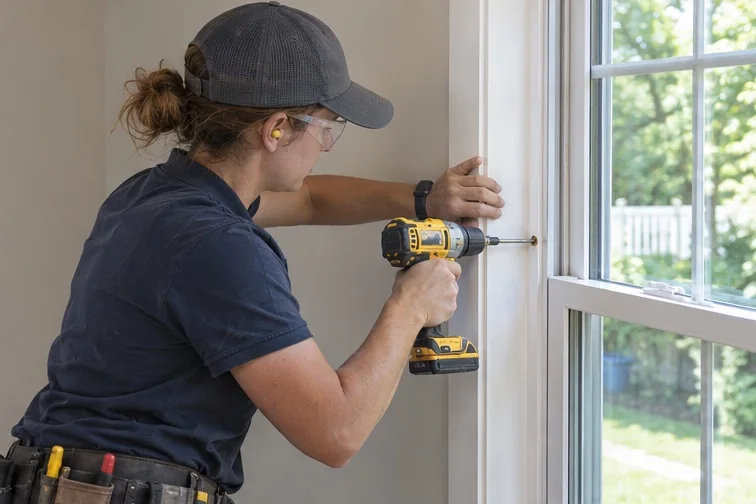
A patio door page can show the kinds of installations the company takes and what an estimator looks at when they visit. Someone with a sliding door that sticks may ask about adjustment or replacement. The page can explain what work the company offers and give them a clear way to describe what they’ve noticed. The first reply can say whether the request belongs with a repair visit or an estimator.
Not every customer knows the terms the installer uses. A person may say a window fogs up, or that water shows on the sill when it rains. A form with room for that description and a photo can start the conversation. The team can work out what it needs to see at the house before it gives a firm scope.
The business number stays visible on the service page. A visitor on a phone can call from the page or send a short request. The office gets that information beside its calls and texts, with the address and service they were looking at.
What happens after a customer reaches out?
A 30-minute look at the website, phone and follow-up.
What the office can tell from the first request
A homeowner might say “three windows” at first and later explain that two are upstairs and one is in a finished basement. The address, number of openings and the part of the house give the office enough to start. A photo can help, but it doesn’t take the place of a visit when the team needs to measure or check the opening.
The installer can talk about who needs to be there, whether a room will be in use and what the customer wants to keep. Someone updating a rental may have a tenant, a manager and an owner involved. The office can get the access details in the same conversation it uses for the estimate rather than leaving them in separate messages.
A site visit can also settle which openings the proposal should include. A homeowner may want all the front windows at once and the rest later. The proposal can show which work is in the current phase. When the customer asks about a second phase, there’s still a record of the first choice.
A useful request gets the office to the next step. A person who’s unsure what to call a window can describe where it is and send a picture. A customer with a settled plan can give the office more detail. Both can reach the company without trying to price the job themselves from the website.
How nearby customers find an installer
A search for replacement windows in a city can lead to an overview of the service and examples from homes in the area. A search for front door installation may start with a different page. Both can show where the installer works and a number the person can call. A project page can explain whether the example is similar to the opening they have.
The company’s Google Business Profile can show contact details, office hours and recent work. The website gives a visitor a little more room to figure out which job they’re looking at. A photo of a front door might have a short account of what was replaced. A window project might say why the homeowner tackled one side of the house first.
Service areas are useful when they reflect where the crew actually goes. Several windows might make sense farther from the shop than one small service call. A page for the area can say where the company takes estimates and what kinds of work it does there. The person who calls can still have a real conversation with the office about the address.
A supplier, remodeler or real estate agent can pass along a service page too. The homeowner can see the manufacturer or project type the installer handles and use the same number as someone who found the business through search.
The estimate stays useful while the customer compares options
A homeowner may be comparing the appearance, expected timing and scope of two proposals. One might include trim or work around the door opening while another only covers the unit itself. A written estimate gives the installer something specific to discuss when the owner asks what is included.
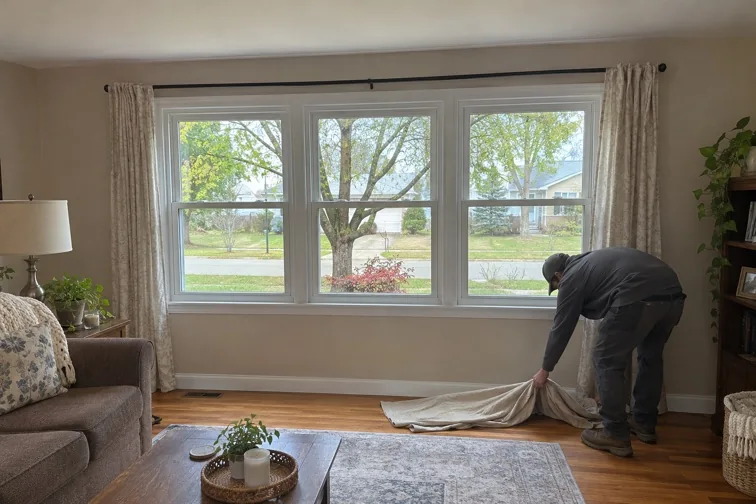
A follow-up can refer to a real choice. The owner may be deciding whether the front windows should match, or whether to keep the side panels around an entry door. The employee who replies can see what the estimator sent and get the right person involved if the customer asks about something that was discussed on site.
If the timing changes, the estimate can keep the same property and scope. The customer might need to get approval for a condo, make room around a hallway or wait for another part of the remodel. A note about when they expect to know more gives the office a reason to get back in touch at the right time.
Once the job is approved, whoever confirms the visit can see which version the owner accepted. That matters when the person scheduling the crew didn’t take the first call. The same customer can call about the job again without carrying the project history between two teams.
Calls and text replies during an installation day
A crew may have an opening exposed while a new customer is calling for an estimate. A missed-call text gives the caller a way to send basic details. The office can check whether it’s a request about windows, an entry door or another job and return the call when someone is available.
A website form can get an automatic first reply as well. If a homeowner also leaves a message, the office can find the conversation and see whether anyone already got back to them. The lead keeps its address and photos after it moves from the first reply to the visit.
A current customer can use the same phone number to ask about arrival. They might have a concern about a dog, a room that is still occupied or when someone will be home. The office can see which visit is on the schedule and pass the note on without losing it in a separate thread.
Where ads and project referrals fit the installation calendar
An installer may have room to look at more front-door projects during a week when larger window orders are in progress. A search ad for that work can lead to a page about front doors. The page can describe the scope and give the customer a clear way to get in touch. The office can see which calls fit the schedule and moved to an estimate.
Referrals from a remodeler or supplier may come with product details already decided. A neighbor who saw a finished job may only know the look they want. Both are useful conversations. The website gives each person a place to see what the company installs before they call.
The business can keep the source with the job until it sees the outcome. A call that became an estimate for one door can be useful even if another request for a whole house takes longer to close. The number of signed jobs and the time they took to fit on the schedule tell the office more than the total number of clicks.
What the finished work shows the next customer
After installation, the owner has seen the new window or door in daily use. They may remember how the team handled access, how clearly the scope was explained or how the crew left the room. A review request from the number they already used gives them a short way to share that experience.

Photos can show the installer’s work where the finished opening meets the rest of the room. A full view of an entry gives another homeowner an idea of proportion. A photo taken during the job can help show what the crew handled around the opening. With permission, a clear description alongside the photos makes the example useful to someone with a similar house.
The company can keep the project history when the customer calls about the next phase. The office can tell which rooms were handled in the first install and which ones were only discussed. The new appointment can have its own scope without losing the earlier work.
What booked installations tell the business
A week of inquiries can include people asking about replacement glass, a drafty door, several windows or a project they can’t start until next year. Some of them may be a good fit. The office can see which are in the area, what needed a visit and which quotes became an order.
Those outcomes can show where a page is doing its job. A page about patio doors may bring in people the installer can help. Calls for a type of repair the company doesn’t take may show where the service description could be clearer. A neighborhood that produces several booked installs may have a useful project the business can show.
The schedule can also explain why a request didn’t become work immediately. The order may take time, or the customer may be waiting to finish a different part of the house. A follow-up date keeps that estimate in reach. The company can see what has already been approved and what is still waiting on a decision.
For a trade with both single openings and longer replacement projects, the same setup can handle different kinds of jobs. Customers find the work, the office can see the requests, and the crew gets the job details when it’s ready to install.
Installation day is part of the buying decision
Someone comparing two suppliers may have similar-looking products on the page. They may still want to know which rooms the installers need, what the company explains about access and what happens if the order arrives at a different time. A service page can give them a sense of the visit before they agree to an estimate.
Once an order is ready, the office can confirm which day and which openings are on the job. A customer may ask to move the appointment so they can be home or have a room clear. The person answering can see what was ordered and whether the change affects several rooms or just one. The appointment can move while the actual order stays the same.
That experience is often what a homeowner talks about in a review. The new entrance gets the photo, while the notes about timing and access help the next person understand how it felt to have the work done.