
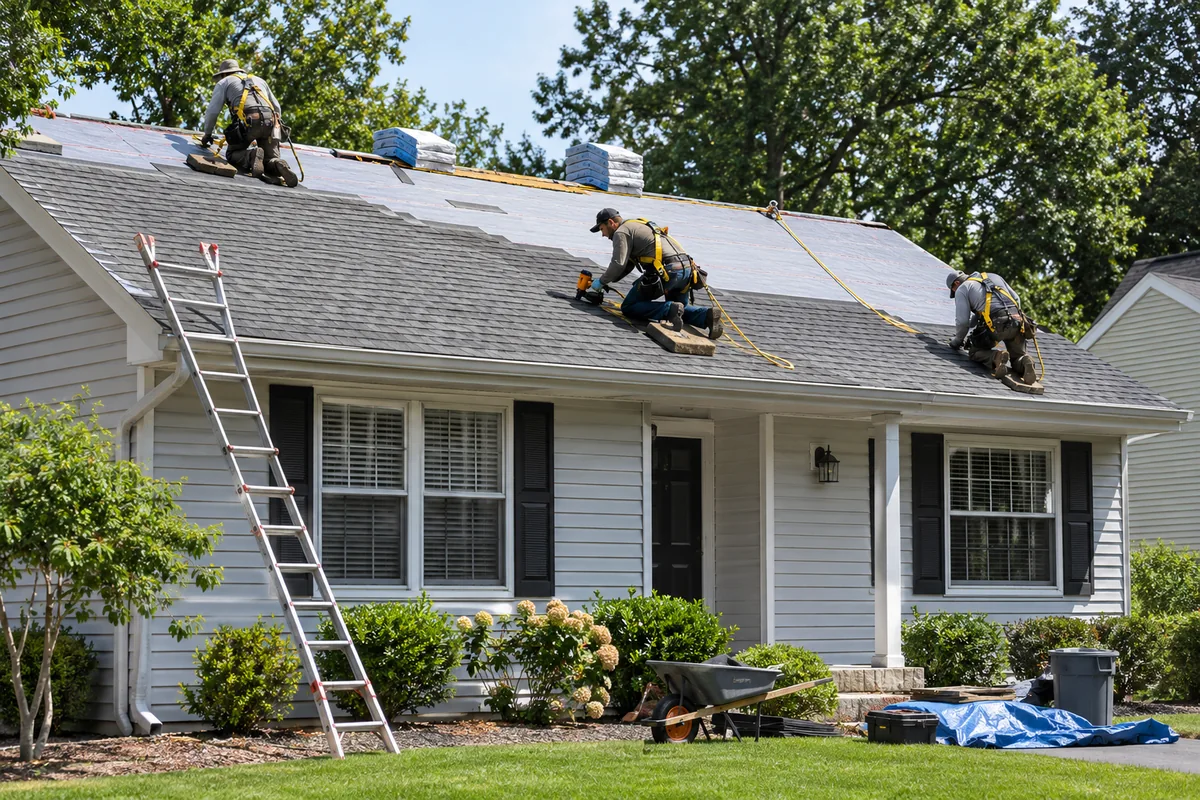
How a roof leak turns into a booked repair
There’s a wet spot on the dining room ceiling. The homeowner calls while your crew is loading shingles. That caller needs a next step before they call the next company. Here’s how the website, phone, and office can handle it together.
- They find a page for the problem.Your repair page says where you work, which leaks you repair, and how to reach you.
- They call or request a repair estimate.They give you the address and say when they first saw the leak.
- They get an answer.If the call goes to voicemail, a text lets them send the address and tell you whether water is still coming in.
- Your team checks the schedule.You decide whether it needs a fast visit and tell the customer when someone can be there.
- You follow up.After the inspection, you send an estimate that explains the work. Once the homeowner approves it, your office books the repair. After the job, you send the review link.
The first text keeps the conversation moving while the crew is busy. Your office can use the homeowner’s reply to schedule a visit, and your crew can use what they find on site to put together an estimate.
What the office sees when a storm comes through
One homeowner reports a small leak in a bedroom. Another sends a photo of shingles in the yard. A third asks whether the crew can look at an older roof before the next rain. A call, a text and a form can all come in before the first truck is back. The office can see where each request came from and which homeowner is still waiting to hear back.
The first reply can acknowledge the message and collect the address. The office confirms when someone can visit after it sees the day’s schedule. A homeowner who sends another photo can use the number they already have. The estimator can see the first description and the later update before driving over.
When the rush dies down, there may still be a few quotes waiting on a decision. The calls that became booked repairs or replacements give the office a clearer picture of what came in than a total for the whole storm. The open estimates still have a place to go after the immediate calls are answered.
The roofing jobs a crew can fit on the calendar
Repairs can fill openings between bigger jobs. Replacements need room on the calendar, time for a site visit, and a crew that can finish before the next job. Storm calls show up in bursts. Putting all three behind the same generic quote form gives your office the same information for very different jobs.
A replacement can be worth a longer drive than a flashing repair. A small repair may fit near another job the crew has already booked. The site can explain where the company works and how people reach the office when they find a leak.
A homeowner might ask what happens around the yard. A property manager may have questions about access, tenants and sections of the building. Separate pages can cover those differences.
A roofing website for repairs and replacements
A referral gives the homeowner a name. The website shows which roofs the company works on, where the crew travels and how a first visit starts. The number and quote form are easy to reach from a phone.
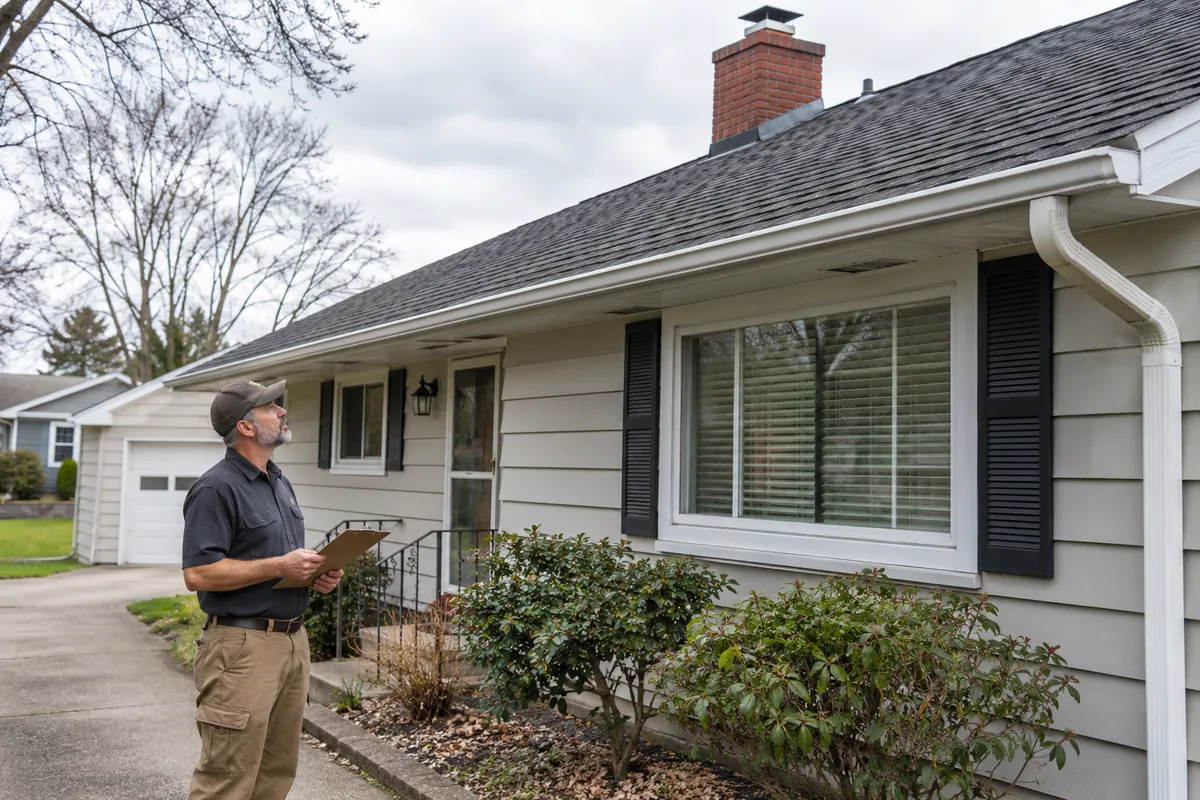
A repair page can show work around vents or the shingle damage the crew sees after wind. A replacement page can show roof types, prep and cleanup. Relevant job photos give both customers something to compare.
The form can collect a name, phone number, ZIP code and a short description. A photo gives the office more to work with when the homeowner has one. A person considering a replacement can ask for an estimate even if all they know is the age of the roof.
A homeowner could get a repair bid and a replacement bid from the same visit. An itemized scope explains what each covers. A page that describes the estimate gives the customer a better idea of how that conversation starts.
On a SystemsPal website, the request goes to the same inbox the office uses for calls and texts. A launch test can show the team where the address, phone number and job description land.
How SystemsPal handles roofing requests and estimates
A 30-minute look at the website, phone and follow-up.
A replacement estimate can go through a few conversations
Some homeowners call because the roof is leaking. Others have been thinking about replacement since buying the house. The office may have an earlier repair on the record or an estimate from last season. A site visit can confirm what work is being discussed now. The homeowner can see the scope and possible dates once the estimate goes out.
A question about decking or cleanup may come in after the family reads it. The earlier estimate and the customer’s photos are still in the conversation. The office can get the question to the person who looked at the roof, with the right property and scope in view.
If the homeowner wants to wait until after another project, the office can record the timing. A follow-up near that date can refer to the replacement they already discussed. When someone is ready to approve, the estimate is there without requesting a second set of photos just to find the job.
Local SEO for roofing companies
A homeowner may start with “roof leak repair near me.” A manager with more time might search for a roofer who works on a certain material. Local roofing SEO gives each of those searches a page with details that fit.
Google Business Profile
A current number, office hours and service area help a homeowner see whether the company can take the call. Recent photos can show the work and properties the crew already serves.
Service pages worth building
Repair and replacement can each have a page. A material or project page has more to say when the crew does enough of that work to show examples. A town page might show a nearby job or a type of roof the crew often sees there.
On-site SEO
We handle on-site SEO as we build the site. Clear titles, mobile-friendly pages and useful links take people from the service they searched for to the next step. The roofing SEO guide covers the pages and local details that help a homeowner find the company.
A small repair and a full crew day fill the calendar differently
A repair near another booked job can fit into a short opening. A replacement may need a larger block of time, access for materials and a date that works for the homeowner. Both can start with a local search. The services and towns shown on the site can reflect where those two kinds of jobs fit.
A property manager might want a different kind of visit again. The office may need to know who can open a gate or where a tenant saw water. Notes for that address help the estimator arrive with the right context. When the manager has several properties, each request can keep its own location and scope.
That difference matters to ads and referrals. A roofing page can draw a lot of calls from outside the area. A handful of requests close to the crew can turn into more work. The office can see where customers were and what got approved when it reviews the schedule.
The office can answer while the crew works
A repair caller may be standing under a leak. A replacement customer may be looking for a time to talk. A first reply can collect the address and what happened. The office can see which request goes to dispatch and which one belongs with the estimator.
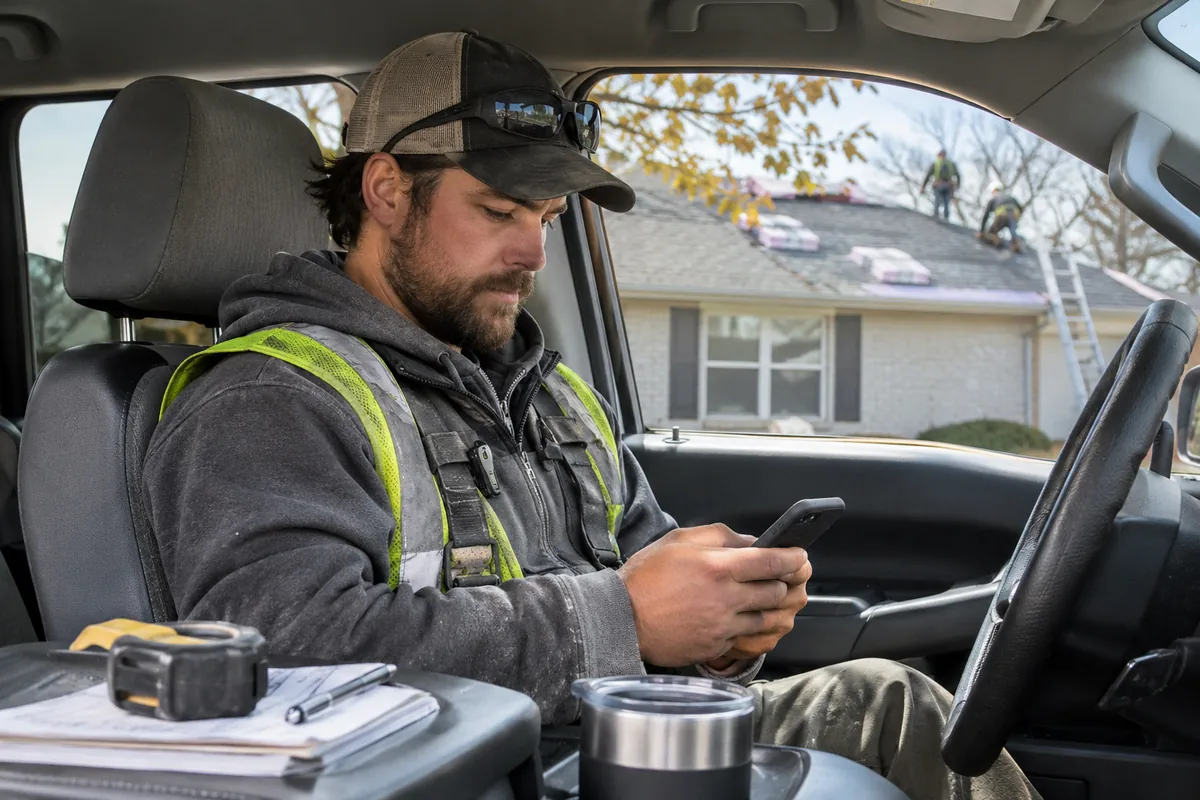
Automatic missed-call text-back keeps a call open for a reply, and lead follow-up gives website requests a first answer. The shared inbox holds the call, form and replies so the office can see what the homeowner already sent.
A homeowner with an open estimate may ask about decking, access or timing. A reminder can check that the scope arrived. The person who saw the roof still handles questions about the actual job, with the earlier conversation in view.
What a roofing customer sees after the last truck leaves
The customer may remember the finished roof first. They may also remember whether the crew told them about a delay, found the right place for material, or cleaned up around the driveway. A review request gives them an easy way to describe what happened while those details are still recent.
If the customer has a question about the work, the office can see the previous conversation and hand it to the right person. The same number works when they call about a later repair or want to pass the roofer’s information to a neighbor. The property and original job stay attached to that call.
A job photo can make the service page more useful, especially when it shows the kind of roof the next customer has. A short note explains what the crew did. Someone arriving from a referral or a search can see the work before asking about a visit of their own.
Where ads, partners, and referrals fit
Paid search can help fill a repair route or bring replacement inquiries to examples of past work. A repair page makes the number easy to find. A replacement page can show recent work and an estimate request. Signed jobs and visits show which searches led to work.
A lead site may give the same request to several roofers. By the time an office gets a reply, another company may already have a visit. The source and booking show whether those calls were a useful fit.
A real estate agent may need a visit before closing. A property manager might need help with one part of a building. A relevant service page gives them something to pass along, with coverage and the number the office answers.
What a finished roof can do for the next job
On the last day, the homeowner can see the roof and ask about the work or the yard. A review link after that conversation gives them a chance to describe what happened while it’s fresh.
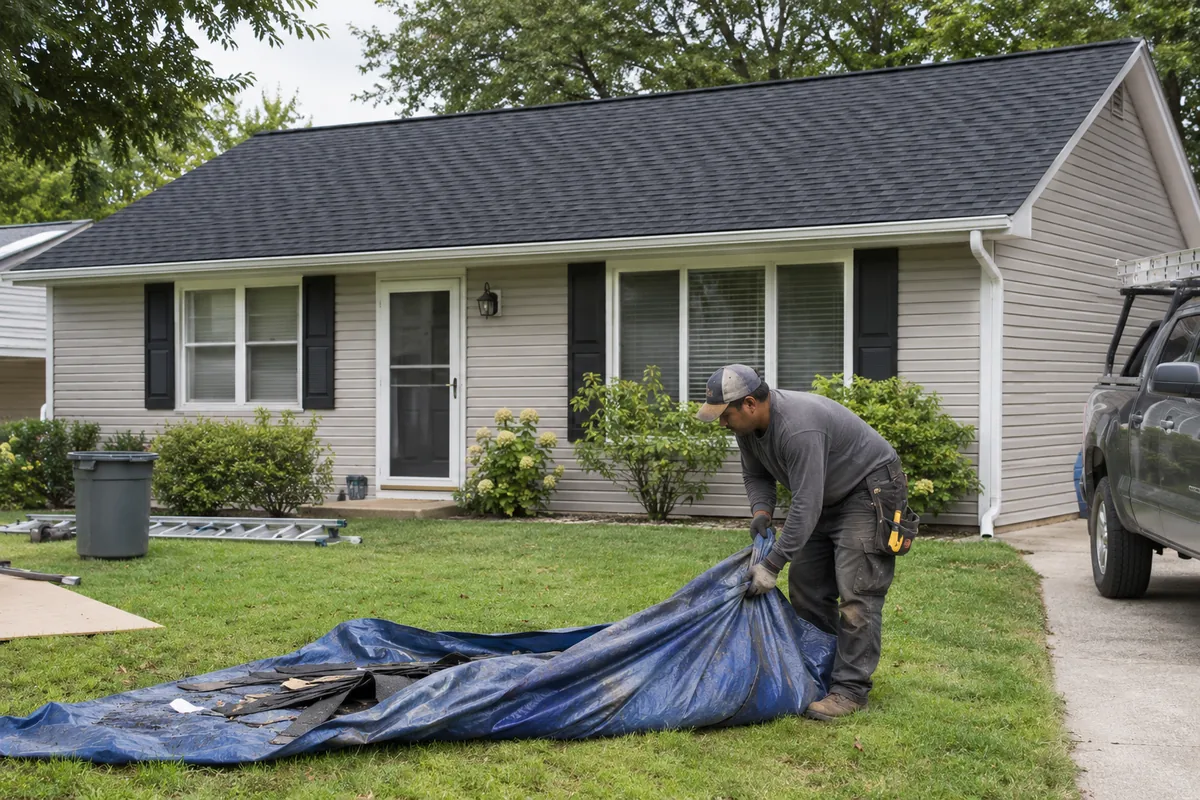
With review requests, your team can send the homeowner a direct link after the handover. A polite reminder can go out later if they haven’t replied. A review that mentions daily updates, the way you left the driveway, or how the repair held up gives the next homeowner something concrete to read.
If a customer says a downspout was damaged, the office can acknowledge the concern and connect them with the person who can look at it. The job details can stay in a direct conversation.
A past customer may never replace another roof on that house. They may still know someone who needs a roofer. Customer campaigns give the office a way to reconnect for a relevant reason, with a number and page the customer can share.
The same homeowner can start with a repair and come back for a replacement
A customer calls about a small leak in the fall. The repair is finished and the record shows where the crew worked and what the homeowner was told about the rest of the roof. The next spring that customer starts thinking about a replacement. They already know the company number and can reach the same office. The estimator can see what was done and what the homeowner asked about then.
The new estimate is its own job even though it’s at the same address. The homeowner may have added a question about the garage or changed the timing around a sale. The office can keep the two scopes separate. The earlier visit can still help the estimator understand which part of the roof the customer means and what the crew found before.
A call like that may get counted as a referral or a repeat inquiry depending on how it started. What matters to the crew is that the estimate and any date the customer has in mind are easy to find. The office can see whether the request came from someone it already served or a new customer on the same street. Both can become good jobs, but the conversations begin in different places.
A review from the earlier repair can also help a neighbor find the company. The neighbor may search for roof repair first and then see photos of a replacement nearby. The service pages give the caller somewhere to look while the office checks who can visit. The work the crew already did can bring in a different kind of call months later.