
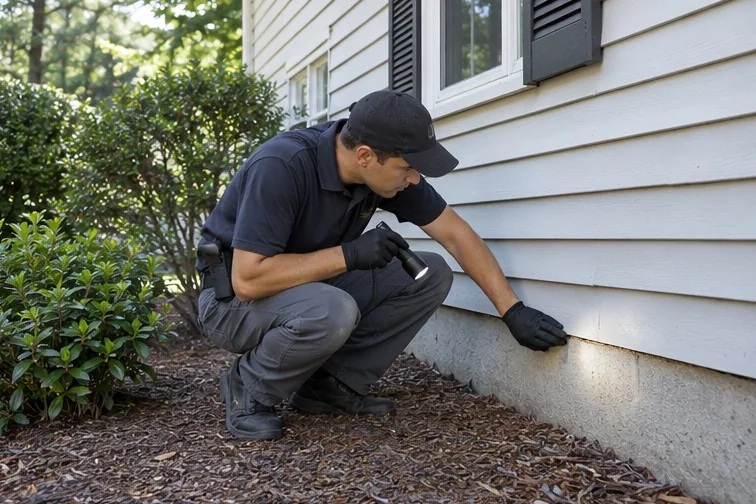
How a rodent control inquiry turns into booked work
A homeowner hears something in the attic and searches for a local rodent control company. Your page explains the kinds of properties you serve and what the technician will discuss on the first visit. The customer calls and leaves a message while your team is finishing another route.
A missed-call reply asks for the address and where they noticed activity. Your office can call back, check whether the house is inside your area, and explain what the first appointment covers. You can confirm the visit in the same thread so the homeowner can find the time again later.
Once the technician has looked at the property, the office can send the scope and next step in the same thread. Jobs that require several visits can have a written summary. The customer still has one number to use if a question comes up.
Urgent calls and ongoing service inquiries start differently
A homeowner with ants on the counter may want the next open appointment. Someone comparing quarterly pest control plans may want to know what happens between visits. Both can reach the same business number. The office can move the urgent call toward a confirmed slot and answer the coverage question without rushing it.
The missed-call text can be as simple as “Hi, this is Oak Street Pest Control. Sorry we missed you. What ZIP code are you in, and what have you noticed?” The office can see the answer, check the service area and offer a visit if there’s room. The text gets the conversation going while technicians are on a job.
We run a test when the system goes live, so the team can see the missed call and the customer’s reply. It’s easier to see who’s handling the request when the call and the text are in the same inbox. The technician can stay with the job in front of them.
Separate pages for the pest services you offer
General pest control, rodent work, termite service and mosquito control bring in different calls. A rodent page can explain what the office asks about and whether the first visit is for an inspection. A termite page can cover the kinds of work the company takes and how a customer can request an appointment.
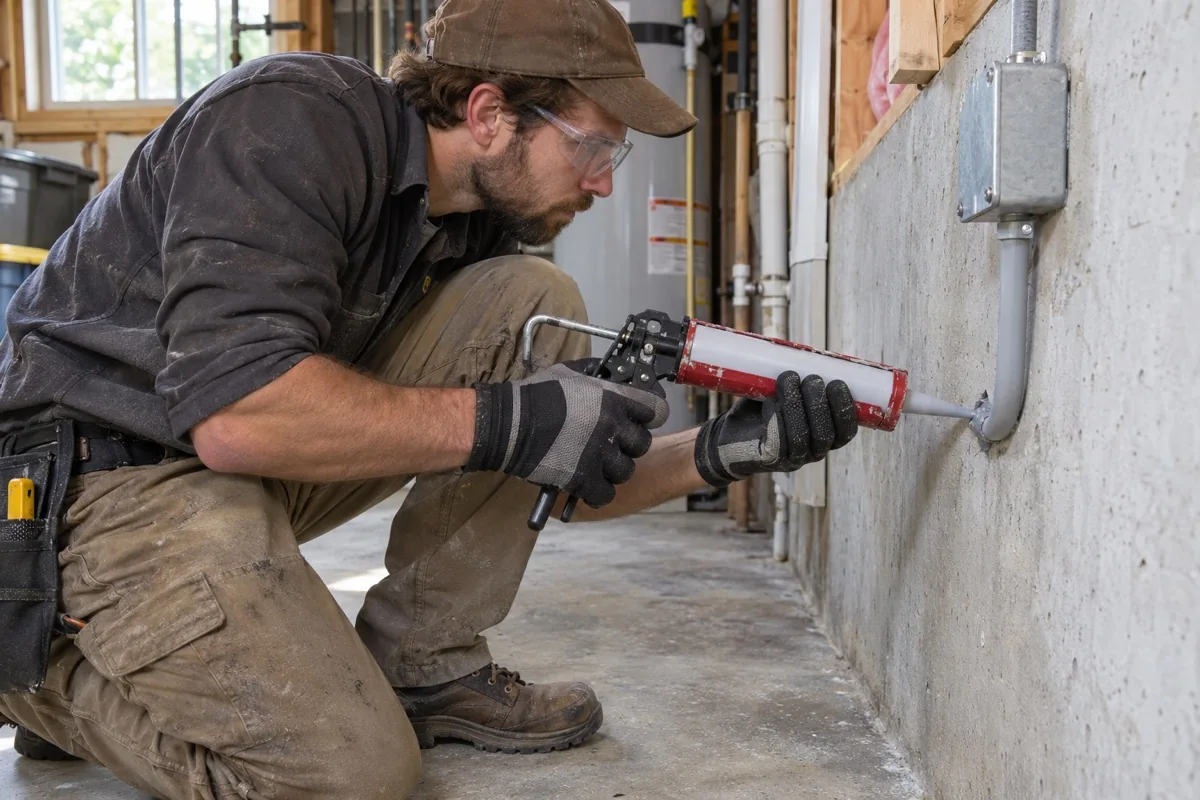
A general pest page can explain the first visit and how customers get in touch between scheduled visits. A larger or specialized job may need a look at the property before an estimate. That gives the office room to confirm the details for the actual job.
The request form can take a location, property type and a short description. A homeowner may have seen something in the garage and have no idea which pest it was. The office can take that description and work out which service fits on the callback.
How SystemsPal handles pest control inquiries
A 30-minute look at the website, phone and follow-up.
The questions a service page can answer before the call
A homeowner looking for rodent control might need to know if the company checks attics and whether the visit includes an estimate. Someone asking about termites may already have a report from another company. A page with the right details can give both a better idea of what to send the office.
The office usually hears the same questions well before they show up on the website. Do you work on townhomes? Does someone need to be home? Are you in this part of town on Fridays? Answers near the phone number or form make the first conversation shorter.
What happens on the first visit and afterward
The first call can confirm what the appointment is for, how the customer will hear about timing, and whether the technician needs access to a gate or a particular room. The customer’s description stays with the visit so the technician can see where the request started.
After the visit, the office can send the next step in a message the customer can find again. A one-time visit may end with a note about questions. A repeat plan may come with a schedule and the number to call between visits.
If the customer reports more activity later, the next technician can see what was done and what the customer noticed this time. The conversation and property history are in the same place.
How a one-time job becomes recurring pest control
A customer can book an ant visit without knowing whether they want ongoing service. If a plan comes up after the visit, the written summary can cover the schedule, coverage between visits, and any services the company handles separately. The customer can see what they’re agreeing to before the next visit is booked.
Someone may be interested but want to wait until they move. The office can put a reminder beside the conversation for the week they get the keys. When the customer gets that message, the office already knows the timing and what they discussed about the new place.
If a recurring appointment is canceled, the next calendar entry depends on whether the customer is skipping or rescheduling. The office can keep that decision and the confirmation in the existing conversation, so the next reminder reflects what the customer expects.
Local pest control searches close to the routes you run
Homeowners often search for the pest they’ve noticed and the town they live in. A page for that service can describe a familiar local job, cover the area, and give them a way to reach the office. The phone number stays close to the top for the caller in a hurry.
Current office hours, service details and photos on a Google Business Profile help someone compare local pest companies. The website has space for the questions that come up after the first search, such as when the crew is in the area and what the initial visit covers.
An urgent call may need a technician with time today. A new recurring stop can fit a route that already runs past the property. Both can be useful jobs. The office can see where they came from and how they fit when it books them.
What a route opening looks like in practice
A technician who works in two neighboring ZIP codes on Tuesdays may have room for one more stop. A page or campaign for those towns can put the service in front of people a short drive away. Bookings on the Tuesday route show whether those calls fit the opening.
A town farther away might bring calls for work the crew rarely takes. Service-area details can help customers see the coverage before calling. The Pest Control SEO guide covers the search and website side in more detail.
The first reply and the visit confirmation
An automatic text can acknowledge the call and ask for the address. The office confirms the time after checking the schedule. The customer’s description is there for the technician, along with any access notes or questions that came in between.
Someone weighing a plan might want to understand what’s covered or how visits fit their schedule. The office can pick up that question from the same thread and refer to the scope it already sent. The customer can keep using that number after the first visit.
Completed first visits and new plans give the owner a clearer view of what a busy phone produced. One source can send quick one-off visits while another brings work that stays on the route.
Missed-Call Text-Back · Lead Follow-Up
Where ads and commercial referrals fit
A search ad can bring someone with a specific pest problem to the right page. The page can say where the crew works and how the first visit gets booked. Completed jobs in that area show whether the campaign fits the route.
A landlord or property manager often has different access and contact details from a homeowner. A commercial page can say which properties the company takes and how the office handles requests. The prior visit, contact and location can stay with each property.
A one-off visit and a new recurring account can come through the same campaign. Seeing those outcomes separately gives the office a better idea of what the campaign is putting on the calendar.
Commercial pest control for property managers
A property manager may need help with one apartment today and ask about the whole building next month. A commercial page can explain the properties you cover and let the manager submit a site, unit or common area, along with the person who can arrange access.
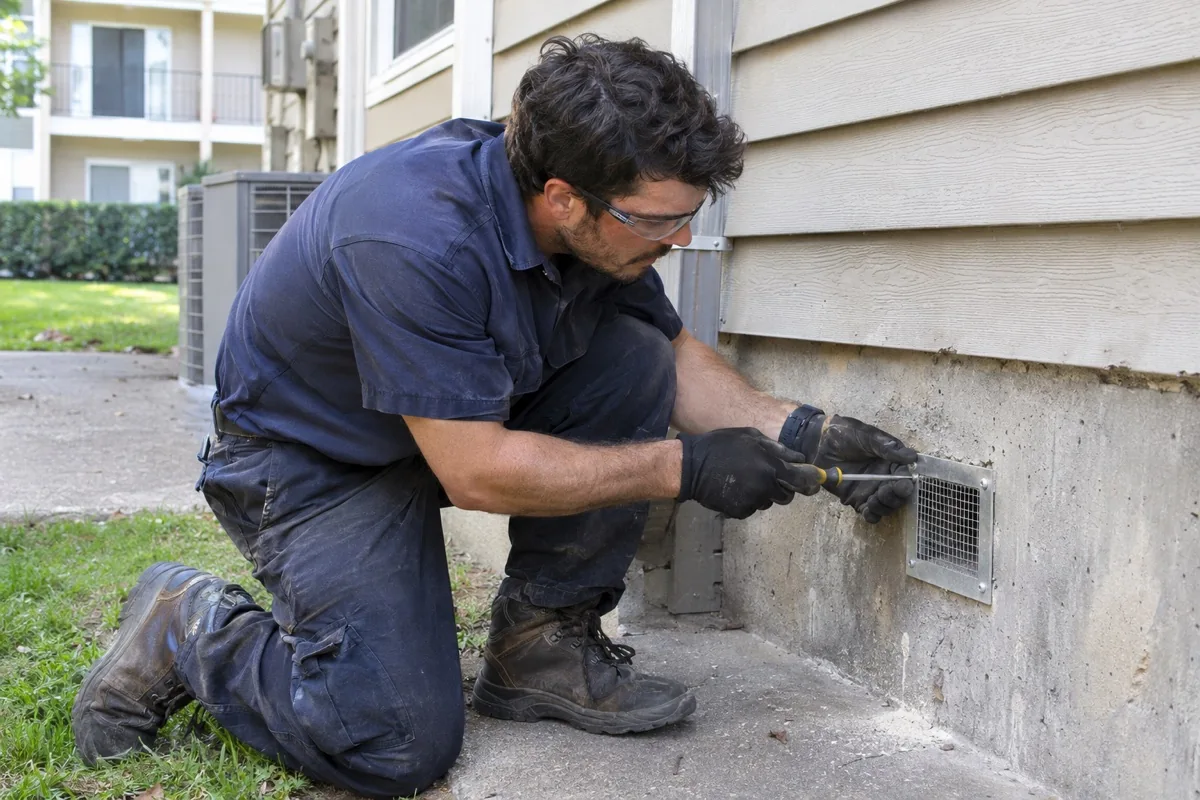
When a manager calls about Unit 4B, the office can keep the unit and building address with the job. The manager and office agree on who contacts the tenant and who receives the visit notes. A later request about the whole building can start with the record of that first visit.
A multi-site proposal may involve restricted hours, several contacts and a separate person who signs off. A follow-up can draw on the actual request. It’s easier for a manager to answer “Did you want the laundry rooms included?” when that’s the decision holding up the proposal.
What happens after a pest control visit
After the job, a review link lets the customer mention the things they remember. The technician arrived when expected, explained what they found or returned a call the next day. Those details are useful to the next person looking at a few local companies.
A seasonal message makes more sense when it connects to work the household has already had done and the crew has room for another visit. A reply lands with the earlier appointment, so the office can see what was covered last time.
The numbers behind booked pest control work
The office can look at inquiries in the service area, first visits booked, first visits completed and new plans started. Commercial proposals can sit separately. They often have a longer approval process, even when the first job came in quickly.
Twenty local inquiries and eight bookings leave a dozen conversations to look at. Some may have gone quiet after a missed call. Others may be for a pest the company doesn’t handle. If plenty of people book but don’t get a visit, the missing piece could be access or confirmation.
If the office keeps fielding calls from outside the area, the coverage can go closer to the quote form. If the morning route leaves callers waiting, one person can take those replies. The next few weeks of bookings show whether that change made a difference.
How two people can see the same service history
On a Monday morning, a resident calls about a problem near the laundry room. They remember talking to someone on Friday but aren’t sure what the building manager asked for. The office can open the earlier request and see the building, common area and contact. If the resident is reporting activity in a different place, that can go into the conversation before the technician heads out.
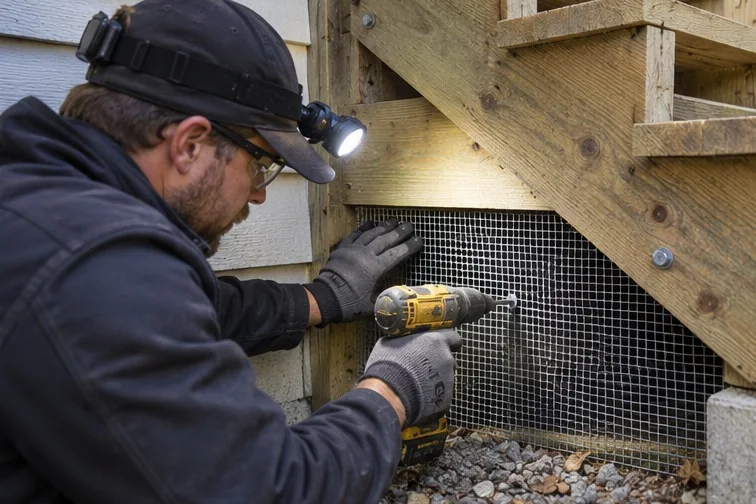
After the visit, the manager might need a short note on the work completed and a separate price for follow-up at the other entrances. The office can separate the completed visit from the proposal that’s still open. When the manager calls again, there’s a way to answer both questions without asking them to piece together the last week of calls.
Seasonal calls show up differently on a full route
A few warm days can bring several calls about ants in the same part of town. The office may have room for two first visits on a day already reserved for ongoing customers. The business can confirm those two jobs and be clear with the rest about the next opening. The calls and texts stay visible even if a technician is still working through the route.
Others may call about a recurring plan after a neighbor mentions the company. The office can tell those requests apart from the rush of one-time calls. When the season changes, it can see how many first visits became repeat stops and which ZIP codes are still worth keeping on the schedule.
An apartment request can change before the visit
An apartment manager reports activity in one unit and later asks about the hallway outside it. The tenant may only be available in the afternoon. The manager may also have a standing service date at the property. The office can see the original request and decide whether the new area is part of that visit or needs its own scope.
Those decisions can stay with the correct building and contact. A tenant can receive a timing update without getting every message about the property. The manager can see which area was covered and ask about the rest. The next call doesn’t have to start with someone trying to find the notes from last week.
A residential plan can have the same kind of change on a smaller scale. The customer may call just to say the gate code is different or the appointment needs to move. The person who answers can see the current schedule and update the right visit. The customer still has one number to use between appointments.