
How a list of small repairs turns into a booked visit
A homeowner has a door that won’t latch, a loose banister and a drawer that keeps coming off its track. Each job feels too small for a full remodel, but the list has been sitting there for months. They search for a handyman who works nearby and want to know if one visit can cover the list. The page can show the jobs the company routinely takes and a short way to tell the office what needs attention.
The homeowner sends a ZIP code and a few photos. The office can check where the handyman already has work that week. The loose rail may be a different visit from a straightforward drawer adjustment if materials or another person are needed. A reply can confirm which jobs the company can take and whether it can estimate them from the request.
Sometimes an owner wants to start with the most urgent item. Other times they’d rather save the work for a longer visit and add two more repairs. The office can keep the whole list with the original call while the customer decides. When the job is booked, the person going out can see what the homeowner expects to have done.
The website shows which jobs fit a handyman visit
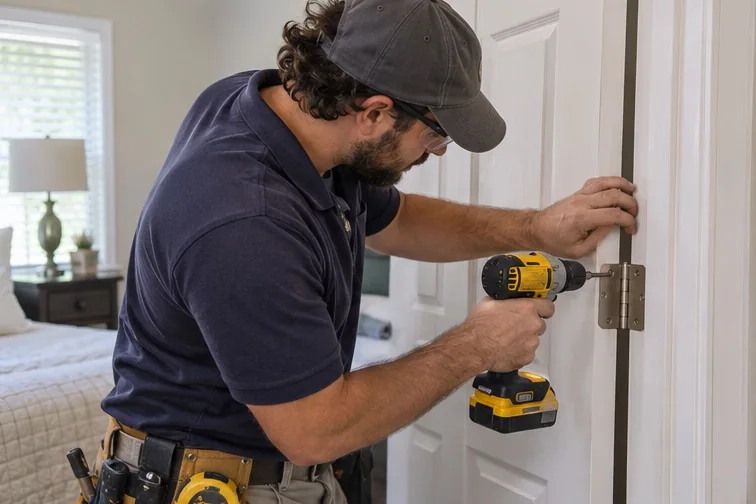
A general handyman page can give the customer a good overview. Some calls will still come from a search for something narrower, such as drywall patching, a sticking interior door or small carpentry repairs. Pages for the work the company regularly takes can show those jobs in ordinary houses. A photo of a crew adjusting a door tells the customer more about the service than a picture of an immaculate living room.
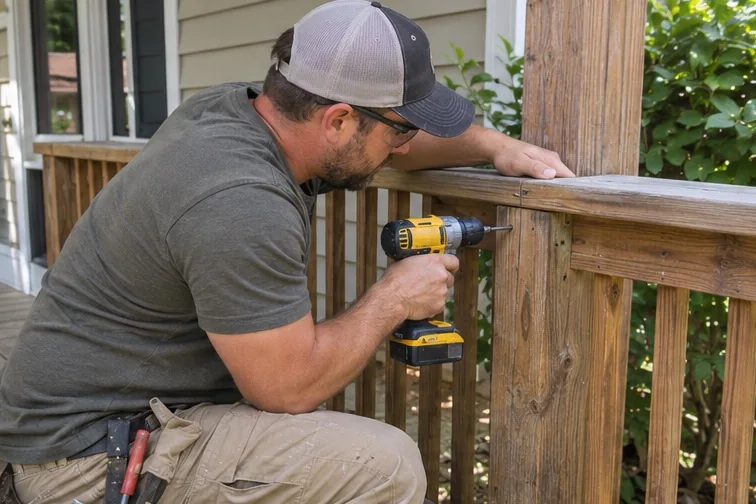
It helps when the company says what kind of job it typically visits for and what belongs with a specialist. Someone with a small patch in the hallway can see that the crew takes that kind of work. A homeowner planning to redo the whole room can see what they need to talk through before assuming the first visit covers it. The distinction gives the office fewer calls that are far outside its scope.
A customer who doesn’t know the name of a repair can still send a message. They might say the pantry door rubs across the floor or show where trim is coming away. That’s usually enough to get the first conversation started. The person doing the work can ask about a size, finish or access after they’ve seen the description.
The website gives people a way to call from the page or send that request when the office is already on the phone. Both routes feed into the same customer conversation.
What happens after a customer reaches out?
A 30-minute look at the website, phone and follow-up.
What a short request tells the office
A request can start with an address, the jobs on the list and an idea of timing. If someone is in the middle of moving, they may need the repairs finished before they hand the keys over. A homeowner who’s been living with a broken drawer may be happy with a day next week. The same job can fit the schedule differently depending on those details.
A photo can save a call about the type of hinge or the shape of an opening. It doesn’t always settle the estimate. The handyman may still need to see whether an older piece can be adjusted or needs a replacement. The office can tell the customer what it can confirm and what will depend on the visit.
There’s a practical difference between a one-hour task and a list that can fill the morning. The company can describe how it handles both. A written estimate can separate the items everybody discussed so the customer can see what’s included. If they add another repair, the office can refer to the first scope and explain what needs to change.
Local search lines up with the routes the crew runs
A handyman who works in a few neighboring towns may be easy to refer by name. Someone who has just moved in might search for a handyman near them without knowing any of those names. Accurate business information and service pages help the company show which repairs it takes and where the crew actually drives.
A town page can show examples from local homes without making claims about every address on a long list. The kind of work also matters. A customer looking for a small drywall repair may want to know what a visit covers. An owner with a door that needs adjustment may be more concerned with how soon somebody can come. The service page can answer the right question for each search.
Google Business Profile can give people an overview and a number to call. The website can show the job list, examples and an easy way to ask about a repair. A customer who has been given the company’s name by a neighbor can use the same pages to check whether the handyman takes the work they need.
The schedule tells the business where the inquiries are useful. A few small visits near one another can make a full morning. A short repair across town might take an afternoon once the drive and the work are included. The office can see which calls filled the route and which areas didn’t fit that week.
What happens while the handyman is working in someone’s house
Someone calls while the handyman has a door off its hinges. The phone cannot be the next thing they pick up. A missed-call text can let the customer know the business got the call and give them a place to send an address and the job list. The office can respond when someone is free instead of asking the crew to stop what they’re doing.
A person who fills in the form can get a first reply while the office is still looking at the route. Their message and later replies can sit in a shared inbox. If the customer calls again, whoever answers can see the photos and what they asked about. That can be useful even with a small team that handles calls from a couple of phones.

The company may have several requests from the same street in the same week. One is for a cabinet drawer. Another is a list of things a new owner wants fixed before moving in. The office can see what each person asked for, where they live and what was already promised. The requests can be sorted without turning a busy day into a pile of loose messages.
A repair list can change after the first estimate
A homeowner may find another loose handle after they approve the quote. They might send a picture and ask whether it can be done while the crew is there. Whether it fits depends on the visit, materials and time left in the day. The office can look at the approved work and decide what to tell the customer before the handyman arrives.
Some customers prefer to approve work in stages. A landlord might want the door finished first so a new tenant can move in, while the trim and paint can wait. The estimate and the thread can show which items are approved and which were moved to a separate visit. The person doing the job has a clearer list when they get there.
The same conversation helps when the customer says the timing changed. A homeowner can reply from the booking message with a new access window. The office can check the next stop and say whether the visit can stay on that day. The address, job list and changes are all in one place when the handyman heads out.
Property managers send the same kinds of work to different addresses
A manager may handle ten units and have a door, drywall patch and loose cabinet at three different properties. The office needs to know which unit goes with each request. It may also need the person who can get the crew inside and any date a tenant expects to move in. That information is more useful than the manager’s number by itself.
A handyman website can show turnover work and what types of jobs the team takes. The manager can give the office an address and a list without walking through the entire company’s business. When a first visit goes well, the same person may have another property a few weeks later. The earlier work gives the office a place to begin.
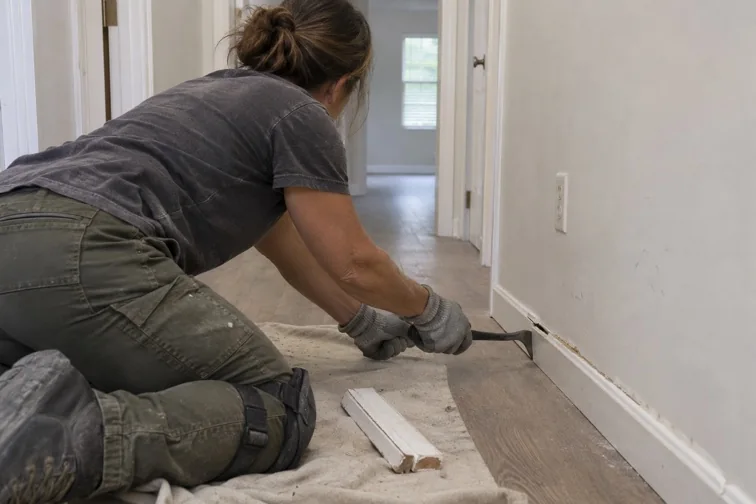
The customer’s name can be shared across those requests while each visit keeps its own address and scope. A completed repair at one property should not read like an approval to start the next one. The office can track which unit is ready, which one needs a reply and who is arranging access without searching separate texts.
Where referrals and ads bring in useful handyman work
Neighbors often ask who fixed the rail or got the closet door closing again. A customer can share the page for that work, with the area and phone number visible. The next person can see what the company does before they call. That also works when a property manager passes the company’s details to another manager.
Search ads can make sense when the crew has room for a kind of work it can book from the area. An ad about small carpentry should go to a page with that work and a way to request a visit. The office can see whether the clicks turned into repairs the team could take. A busy phone is less useful when the work is the wrong size or the address is outside the route.
The original source can stay on the inquiry. A request from a neighbor might have a short list and be ready to schedule. A search call might arrive with photos but a later time in mind. The business can compare the actual jobs that went onto the schedule instead of counting every request as the same outcome.
The review after the list is finished
When the repairs are complete, the owner can see what changed and ask anything they still want to know. A review request from the number that handled the booking gives them a simple way to share how the visit went. They may mention that the handyman kept the area clean, explained which items could be handled in one visit or arrived in the window the office gave them.
A finished job can lead to another list later. The customer may know the business name and remember how they got through the first time. The office can see what the last repair covered and whether there were items that still need a visit. A returning customer can talk about what changed without needing to find the same person who answered months ago.
One homeowner might call back after buying a new set of shelves. Another might only send the company’s number to a partner or neighbor. Both are outcomes of the last job. The website, phone and review request give that customer several ways to get back to the same business when the next repair comes up.
The jobs the company actually gets to do
A small team can get plenty of messages and still have time it cannot fill. An inquiry about a whole kitchen renovation might take a call but never fit the work. Three requests for doors or trim close together can turn into a useful afternoon. The office can see the location, kind of repair and outcome when the request and booking are kept together.
A job that needs a return visit is worth looking at separately. The first trip may have found a part that the homeowner wants the handyman to order. The office can keep that detail with the repair and check which day it makes sense to return. That’s different from another customer filling out a form for the first time.
A short record of the visits that went ahead helps the business explain its work more clearly the next time. A set of calls for repairs it turns down can tell the office where a service page is giving people the wrong impression. A string of small repairs in the same town can show what the crew regularly has room for. Both are better clues about the website than the number of times the phone rang.