
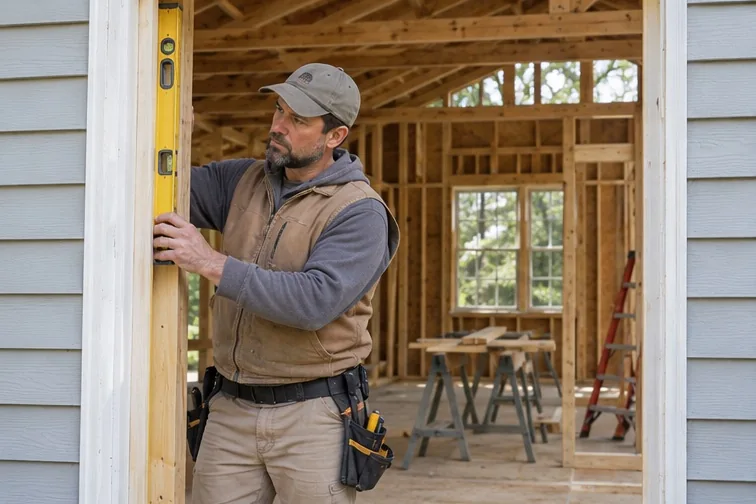
How a home addition inquiry becomes a signed project
A homeowner wants another bedroom and a larger kitchen. They search for a general contractor who builds additions and find a page showing a project that started with a similarly tight lot. They send their ZIP code, tell you what they want, and explain that their drawings are still in progress.
Your office confirms that you take that type of project and arranges a conversation. The project lead can ask who is preparing the plans, when the family hopes to start, and what they already know about access. Both sides can agree on when a site visit or proposal makes sense.
A good project may be months away. The office can keep the next date beside the request while the customer works with a designer. When the drawings are ready, the project lead already has the address, scope and earlier questions to work from.
A website built around the construction work you take
Additions, whole-home renovations and tenant build-outs start with different requirements. Separate pages can show examples of each, the type of owner the crew works with, and what happens between the first call and a proposal.
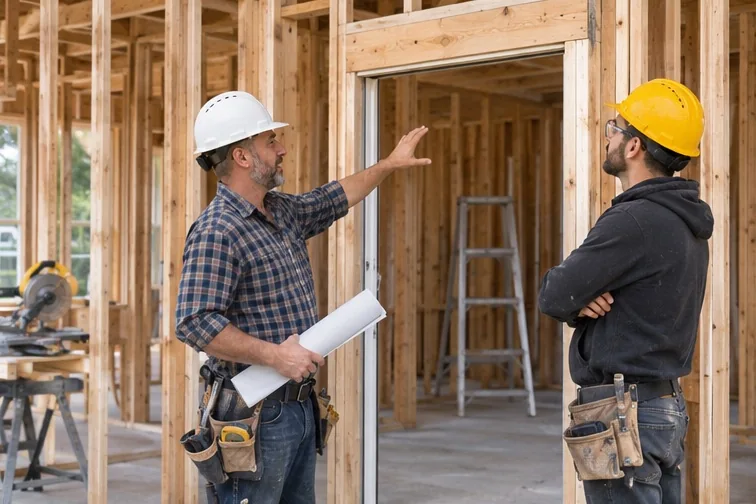
A useful project page explains what the owner asked for, what the crew took on, and what was complete at handover. A finished photo shows the result. A few notes about access or an occupied space explain what went into the job and give the next customer a reason to bring it up.
A short project form can collect the city, property type, work and planning stage. The office can tell whether it’s a job the crew takes and who should return the call. The drawings can come later if they’re still in progress.
How SystemsPal supports construction inquiries and proposals
A 30-minute look at the website, phone and follow-up.
What happens between the first call and a proposal
Owners sometimes ask for a price before they know which drawings or access details the builder needs. A page that explains the first conversation and when a visit makes sense gives them something useful to send with the request.
A finished addition can show more than the extra square footage. An owner may want to know how the builder kept the house usable during work, who was involved, or how the team worked with the plans. A few details about the job give them a better question to bring to the first call.
The homeowner, designer and property manager may each have a different part of the decision. A dated note with the contact and next step helps the project lead see who is waiting on whom when the conversation comes back up.
Local search for additions, renovations and commercial work
A homeowner may look for an addition contractor in a specific town. A business owner may look for a general contractor near the property. A relevant page describes the type of project, shows comparable work and explains how to get in touch.
Current business details and photos on Google give people a quick view of the company. The website gives them the deeper answer, with job examples, an outline of the process and the number your office uses.
A real project gives a location page something to say. It may show a home addition on a tight lot, or explain that smaller jobs have a narrower service area than a larger build. Those details help an owner see whether the team is a fit.
The longer stretch between an inquiry and a signed project
A new inquiry starts with a reply from the office. A proposal may come back with a question about scope. A project waiting on drawings may already have a date to reconnect. Keeping the status with the conversation gives the next person enough context to pick it up.
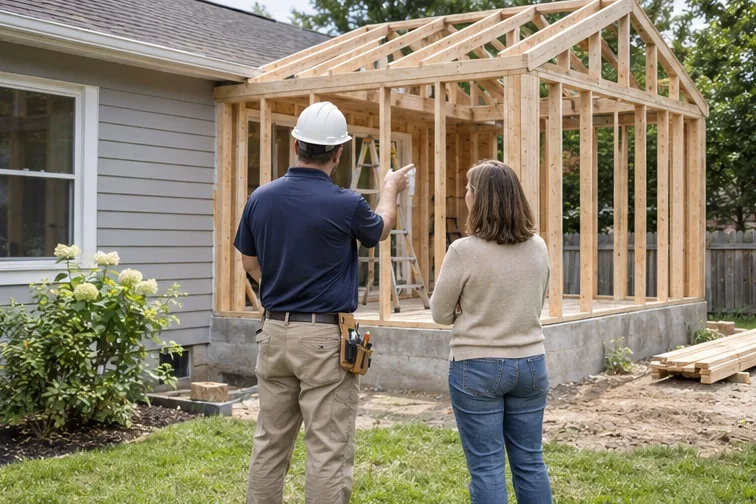
If the architect is preparing drawings, the next useful reply may be weeks away. A reminder can land near the date the owner expects a decision. The office still has the earlier scope when there’s something new to discuss.
Signed projects give a clearer answer than the number of requests. The office can see whether a job came from an architect, a project page or an ad, along with how long it took to get to a proposal. A few suitable projects can matter more than many calls for work the crew doesn’t take.
Missed-Call Text-Back · Lead Follow-Up
The place for ads, architects and referrals
Paid search can reach owners who already know they want an addition or a tenant build-out. A focused page shows comparable work and how a proposal starts. Because those jobs have a longer sales cycle, the early calls and the eventual signed work can be weeks or months apart.
Designers and architects often make an introduction while the plans are taking shape. A brief project overview with service areas and examples gives them something to send the owner before the first call.
A referral may arrive with drawings already in hand. An ad may reach someone much earlier. The original source and the stage of the job stay with the record, so both kinds of work can be seen when the proposal comes back signed.
Completed projects carry into the next estimate
After handover, the owner remembers how the crew handled changes and what the occupied property was like during the build. A review link makes it easy to share those details. With permission, job photos can show the finished work alongside that context.
A designer or property manager is often asked for a contractor. An example that looks like the new project makes the introduction easier. The owner can see where the builder works and reach the office from the same page.
When a project is ready again six months later
A homeowner first calls about an addition while the plans are still a sketch. Months later, the drawings are in and the owner can talk about a start date. The office can see the original scope, who has been involved and what the project lead said would happen next. That makes the second call useful without asking the owner to start from scratch.
The same record can hold a separate request from the designer or a question about access. A project with a long wait still has an owner, a date and a place to pick up.
A construction inquiry can arrive before there’s a project to price
A homeowner calls about an addition after deciding they need another bedroom. They know the part of the house they’d like to change, but they haven’t spoken to a designer. Another owner calls with drawings in hand and is ready to discuss a visit. Both are serious inquiries. They’re at different points in the job.
A project page can describe the kind of construction the company takes and what happens on the first call. An owner can send the address, what they want to build and where they are with plans. The office can see whether there’s enough to start a proposal or whether the next conversation is likely to be about drawings and timing.
A request might stay open for several months while decisions are made. A note about where plans stand and when the owner expects an update gives the team a reason to reconnect. The original address and scope don’t have to be collected again when the project is finally ready for a visit.
The same square footage can mean two different jobs
Two owners may both ask for a rear addition. One has a clear driveway and space to stage materials. The other has a tight side yard and plans to live in the house through the work. A finished photo can show the scale of the result. A short description of the site and what the crew had to coordinate gives an owner a clearer picture of the job.
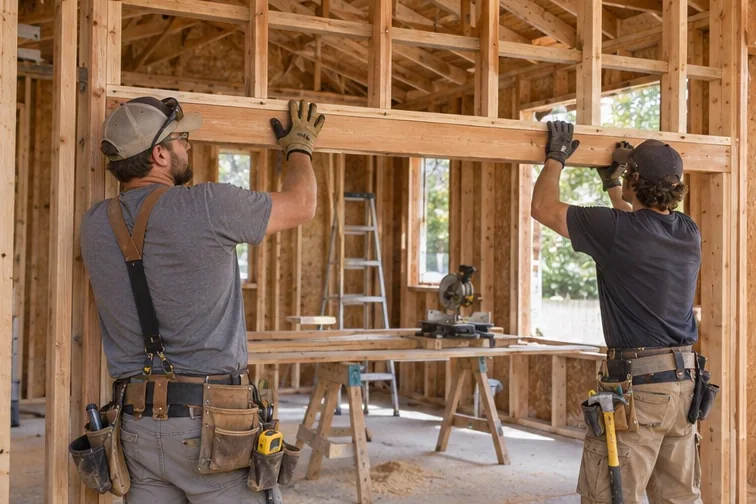
A case study can also show where a builder fits alongside an architect or designer. The project may have started with plans from another firm. Another owner may be looking for a contractor who handles a different scope. A service page with real project details lets people see whether it makes sense to start a conversation.
The inquiry form can collect the city, type of property and rough scope. Drawings, site details and other contacts can come later if the project is a fit. When the estimator opens the contact, the early details are still there even after a designer or manager joins the thread.
A tenant build-out has a different timeline
A tenant may have a lease signed and a date they expect to open. The property manager may need to sign off on access or the hours the crew can work. The business owner may be waiting for drawings before they can decide what to build. A commercial project page gives them a place to describe the property and what has to happen next.
The office can keep the location and the contact who handles access beside the first inquiry. If the landlord has to approve a part of the scope, that can be recorded with the proposal rather than sitting in one person’s voicemail. A later call about the start date can get back to the person handling the project.
A referral from a commercial broker might lead to one job or to calls from several buildings. The original source stays with the inquiry. The office can see which referrals came with a clear scope, and which ones became work after drawings and dates were in place.
What happens while a proposal is waiting on a decision
A builder sends a proposal after discussing the scope with the owner. The owner may ask about a line item, a change to the plans or a different start date. A reply can refer to the proposal they already received. The project lead can see the scope, the questions and who is waiting for an answer in one conversation.
Some proposals go quiet for a good reason. The owner may be traveling, a designer may be making a revision, or a business may be waiting for another approval. The office can set a follow-up around the date that came up in the conversation. That makes the reply more useful than checking in every few days while nothing has changed.
When the job moves ahead, the team can see the proposal that was approved and the last change the owner asked for. That matters if a different person is arranging the start. They get the same record the estimator was working from, instead of trying to remember which parts were discussed in a call.
Where local search and referrals meet
An owner might first hear the company’s name from a designer, then look it up the same night. They want to see a few projects, the areas the crew serves, and how the office handles a first request. A town page can show relevant work nearby. A project page can explain what the builder actually took on.
Another owner may start with a search for additions near their home and find the company before they know who will design the job. The website can answer enough for a first call. The inquiry, stage and outcome stay together as the project proceeds.
The picture comes into focus after proposals go out and work gets signed. A page may bring several owners early in planning. A designer may introduce fewer people whose drawings are complete. Both can produce good projects on different timelines. The office can compare the work that reached the schedule, with the original source still attached to the job.
How an owner recognizes a comparable project
A renovation photo can look impressive and still leave an owner unsure whether the company takes work like theirs. A caption about an occupied home, a shared access road, or a particular phase can make an example more useful. It helps the owner find something to discuss when the project lead calls.
Some people find that example after the first conversation. An owner who is choosing between an addition and a remodel may ask for a project they can share with the rest of the household. A link gives them a way to see the scope and get back to the same company. The office gets a more useful follow-up when the customer can say which job looked like their own.