
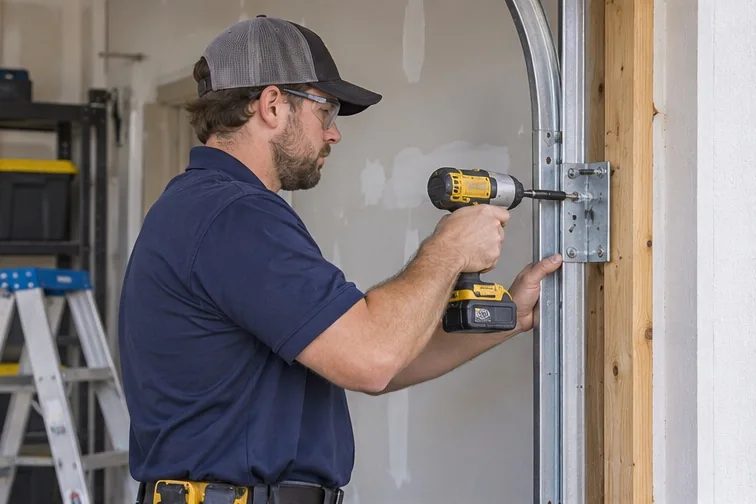
How a stuck door call gets onto the schedule
A homeowner tries to leave for work and the garage door stops halfway up. They know what happened but may not know why. They search for a garage door company that can answer and check whether there’s a visit available. An office that can see the address, what the door is doing and whether the car is inside has enough to start the conversation.
A garage door repair page gives the caller a number they can reach from a phone. It can explain the kinds of repairs the company handles and how the first visit works. A person considering a new door can start from the installation page without going into the same queue as an urgent call.
When the office can get someone out, it can confirm the window and record what the homeowner said. The technician gets the address and the customer’s description rather than a diagnosis guessed over the phone. If the owner adds a photo or calls again about access, it stays with the visit.
The same request can lead to a repair or a separate estimate for replacement later. The commercial or residential team can see what happened on the first visit before talking to the owner about more work. The record stays useful after the door is working again.
A garage door website makes service and replacement easy to find
A repair customer might search for a noisy door, an opener that stopped responding or a garage door company that can come out. A replacement customer may want examples of styles, windows and finishes. The site can give each kind of request a page that looks like the work the crew takes.
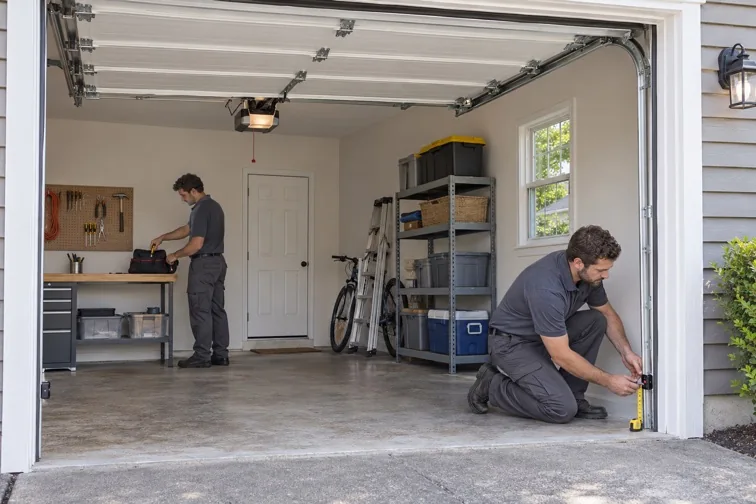
A new door page can show the difference a finished job makes to the front of a house. A photo during installation can also show the care the crew takes around the opening. A short note about what was replaced makes the image useful to a homeowner with a similar garage.
The opener page can explain which services the company handles and when the installer needs to see the setup. A separate page for commercial overhead doors can show the kinds of sites the team serves if that work is part of the business. A customer can call or send an address without having to choose the exact part that needs attention.
The office gets a clear place to start when someone reaches it. A request for a new door has room for timing and photos. A person whose door isn’t moving can get through from the repair page. Both can use the same public business number.
What happens after a customer reaches out?
A 30-minute look at the website, phone and follow-up.
What the office hears before it sends a technician
The customer may know whether the door is open, closed or stuck somewhere between. They may be able to say whether there was a noise, or whether the opener responds without the door moving. Those details help the office understand the request and arrange the right visit. The technician can inspect the equipment on site.
A first form can collect a street or ZIP code, a way to get in touch and a line about the issue. If the customer sends a photo from a safe place, the office can keep it with the call. A request for a quote on two new doors can include a picture of the front of the garage instead.
The office can check whether the property is inside the service area and whether someone is available. If there’s a separate contact who can be home, the visit can include that person’s details. A property manager may be calling about a site they won’t be at. The right phone number on the booking gives the technician a way to reach the person who can provide access.
Time on the schedule matters. An urgent call can come in while the crew is already out. A replacement quote may fit a day when an estimator is nearby. The office can talk about the realistic next step after it sees what the request needs.
How local customers find the right garage door service
Someone might search garage door repair near them while standing in the driveway. Another homeowner could spend an evening comparing garage door installers and looking at finished fronts. The site can show the relevant service and a way to reach the office in each case. The business details and area help the customer see if the crew is close enough to call.
A Google Business Profile can show the company, hours, photos and phone number. A website gives a person more room to understand what kind of work is offered and what happens on a visit. A neighborhood page can show the kinds of garages the company has worked on there.
Coverage can differ by job. A larger installation may fit farther out than a short repair call. The office can see whether a request is close to another job on the route. Clear area details help people understand how to ask about availability without promising that every address has the same schedule.
A remodeler may pass the company’s name to an owner who needs a new door as part of a bigger project. A useful replacement page gives them a link with examples, service area and the office number. A homeowner can see who to call before a site visit has been arranged.
A new door quote can take more than one conversation
A replacement estimate may include the door, finish and other work around the installation. A homeowner can look at the proposal and ask whether both bays are included. If they change their mind about the finish, the update can stay with the quote. The office can tell what was sent and whether the customer approved it.
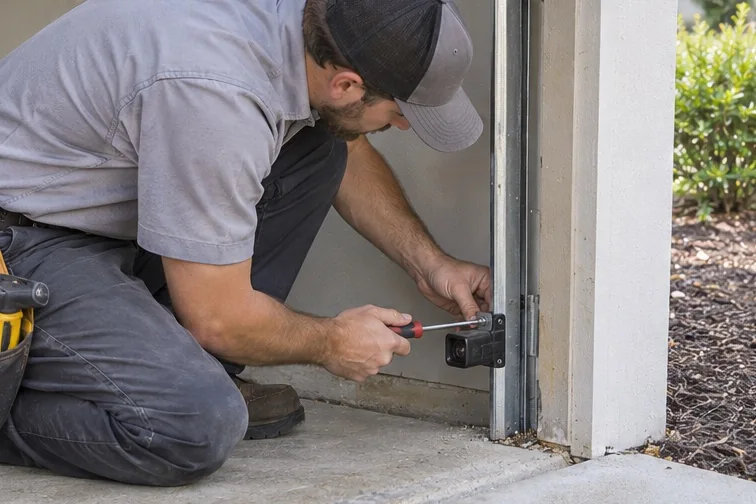
The customer may also be waiting for a change around the opening or a date when the garage will be clear. A note about timing gives the office a reason to reconnect when there’s news. That conversation can refer to the door the customer already discussed rather than ask whether they are still interested in general.
When the order or appointment is ready, the person scheduling the team can see the approved version and where the crew is working. Questions about the opening can go back to the installer who saw it. Questions about the date can go to the office. The customer can ask both through the same number.
An estimate that gets signed later can still be traced back to the first search or referral. The office can see what was decided and how long it took before the job reached the calendar. That’s useful even when the company has separate schedules for repairs and new doors.
A missed call can leave enough information to return it
The phone can ring while a technician is holding a panel or fastening a track. An automatic text can acknowledge the missed call and give the customer a chance to send an address and tell the office what happened. The caller hears from the business even when everyone is on the job.
A form can get a reply too. If the homeowner also calls, a shared inbox gives the office a place to see the form and call together. Whoever replies can tell whether anyone offered a visit already. The technician can stay on the current job while the office checks when another one can start.
Existing customers may call to ask about arrival or to report that the vehicle they need to move is still inside. The same conversation gives the office enough context to speak about that appointment. A later message from the same number can stay with the job instead of starting an unrelated request.
Commercial requests come with their own access details
A property manager may call about an overhead door at a warehouse or a bay that needs to be free for deliveries. The office can collect the site address, opening description and a contact who can meet the technician. A commercial service page can explain which work the team handles and how a business gives the right location details.
Two requests can come from the same manager and refer to different bays. A note about the loading schedule can matter to one and have no effect on the other. The company can keep each job with the right location even when the person approving the work uses the same phone number.
The first call may become a service visit. Another might need a proposal and more time to get approved. The office can keep the repair that’s already done separate from the replacement being discussed while showing both to the person taking the next call.
Where ads and referrals fit the garage door schedule
Search ads can give a repair page more visibility when the company has room for that work. The visitor can see the area and use the phone number from the page. A new door campaign can lead to examples and the estimate form. Comparing the booked repairs and signed replacements gives the office a useful view of both campaigns.
A referral from a remodeler may come with plans already in hand. Someone who saw a new door on a neighbor’s house may only know the look. The website can show relevant projects, and the office can see what the person was asking about when they got in touch.
A lot of repair calls outside the service area may be less useful than a few visits close to the route. An installation estimate may take longer to sign but make up a full day of work. The source and the outcome tell a better story than counting every first call as the same kind of lead.
What the customer remembers after the door works again
A customer can show what the door looks like or describe what it was like to get a response when it stopped working. A review link after the visit gives them a way to do that while the job is still fresh. A future customer can see how the office handled timing and how the technician explained the work.
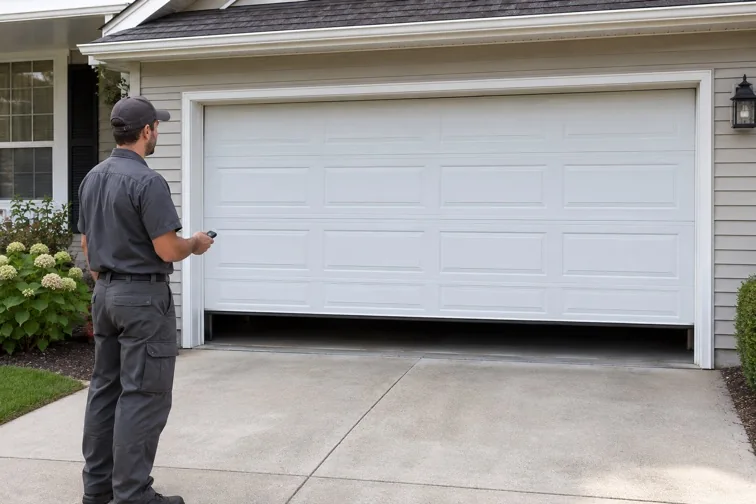
The company can use project photos with permission to show the kinds of doors it installs and the properties it works on. A service photo can show work that a homeowner can recognize from their own garage. It gives them another way to see whether this is the company they want to call.
A customer may reach out months later about a second door or a different property. The office can see the previous visit and give the new job its own details. An old phone number, a service record and a recent review can bring more work back to the same team after the first door is fixed.
How the office knows which work made it onto the calendar
The business can separate unanswered calls, service visits and signed installations. That matters when one repair page makes the phone ring fast and another page sends customers who take weeks to decide. An estimate may still be open even though the week it came in already ended.
The outcome can show which towns gave the crew useful calls and which service was easier to schedule with the vans already out. A string of opener inquiries may show where the page could describe the work more clearly. A few neighboring installations can show the kinds of projects worth featuring in the gallery.
A garage door company can see more than the number of forms filled out. The request, appointment and finished work tell it which enquiries reached a technician and which proposals became jobs. The next repair call and the next installation have a clearer place to start because the business can see how the earlier ones worked.
The kind of visit can change after the first repair
A homeowner might first call to get a door working and later decide to look at replacement. The first visit can have its own scope and outcome. A new estimate can cover the replacement without making the office reopen the completed repair. The technician’s notes and the contact details give the estimator somewhere to start.
When a different person takes the next call, they can see what the owner originally asked about. The new conversation can cover what the customer wants now, the kinds of doors they’re considering and when they’d like a visit. A repair that went well can bring back a customer who already knows the way the company works.