
How a backyard deck search becomes a booked project
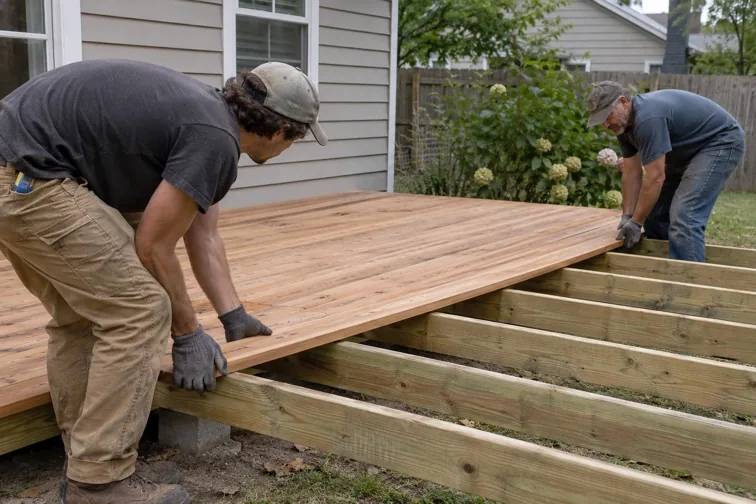
A homeowner comes out of a sliding door onto two steps and a patch of lawn. They’ve seen a neighbor use a deck as an outdoor dining space and start looking for a builder. They may know they want room for a table without knowing how the size, materials or shape will work. A page showing several real decks gives them enough to start a conversation.
The first request can say where the house is, whether there’s already a deck and what the family wants to do outdoors. The office can see if the property is in range and talk through the first visit. A photo from the yard can help the estimator understand the door, the slope and the area the customer wants to use before going to the site.
Once the builder visits, the owner may see that the layout they pictured would affect the steps or leave less room for the yard. The written proposal can describe what the builder looked at and what is included. The customer can ask about those details using the same number they called from the website.
Some projects take longer to decide. A family may be weighing materials, talking to a neighbor or waiting on work elsewhere on the property. When they’re ready to pick it up, the office can open the photos and proposal from the first conversation. The project still has the original job details even if the date has moved.
Deck pages show the work before the estimator arrives
A new deck and a deck replacement can start with different questions. The owner of a new house might be thinking about the door and the size of the outdoor space. Someone with an existing deck may want to know what the builder can assess and whether parts of the old deck can stay. A website can explain which work the company takes and what happens at a site visit.
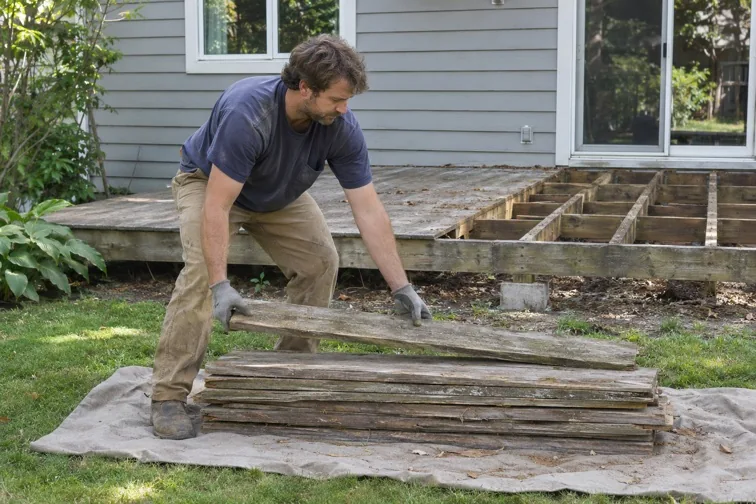
Photos help when they show the things the next homeowner will need to talk about. A wide view can show how a landing or deck sits against the house. A second shot can show the stairs, the railing or the finish on a board. With a note about what the crew built, the customer can see a useful example without assuming every deck in the gallery has the same scope.
A wood deck and a composite deck can have separate pages when the company builds both. The customer can see examples of each and learn what to ask about cleaning, care, look and availability. The estimator can explain what fits the site after seeing the property. The website gives people a way to call or send a short request from the page they’re already looking at.
A repair page belongs on the site when the builder takes repairs. It can explain the sort of visit the company offers before the office starts getting calls about a loose board from a town two counties away. The page helps the owner and the office decide whether there’s a useful next conversation.
What happens after a customer reaches out?
A 30-minute look at the website, phone and follow-up.
The form collects the few details a deck builder can use now
An owner can send the address, some idea of the work and a way to get back to them. For an existing deck, a wide photo can show its overall location and a close photo can show the part the customer is asking about. A site visit can still be needed even when the photo explains the question.
The first form has a different job from the estimate. It starts a call with enough information for the office to get the right person involved. The estimator can talk with the homeowner about where the stairs go or what needs to be worked out with another contractor. The owner doesn’t have to send a drawing to get that conversation started.
The calendar matters too. A family hoping for a deck before a gathering may need an answer about timing early. Someone planning for next year might only want to know when the company starts looking at projects for that season. The office can keep those timelines with the original request and offer the next step that actually fits.
Access details are useful when the project moves ahead. If the side yard is narrow or the homeowner needs to keep a path open, those details can stay with the project. The person scheduling the crew can see what the estimator discussed before sending an arrival message.
How nearby homeowners find a deck builder
One customer searches for a deck builder in their town. Another searches for composite deck installation because that’s the material they’re considering. The pages that appear can show different projects and the areas where the builder takes that work. The service page gives someone a place to look even when the first thing they saw was the company’s name and a rating in Maps.
Google Business Profile can show where the company works, the correct number and photos of completed projects. The website has room for a little more context. It can describe what kind of decks the crew builds and show how a few of those projects fit the houses they were built on.
Location pages are useful when the service area reflects the schedule. A full deck can justify a longer trip than a short repair. The office can see whether the property falls in the right area without promising the same work in every town. A few details from jobs in the area give visitors a better idea of what their own inquiry might involve.
Some customers reach the same page through a designer, landscaper or neighbor. The referral works better when the new owner can see examples and place a call from the site. The company can still see how they found the business after the job gets booked.
The estimate changes as the deck takes shape
A proposal can lay out the deck size, railings, stairs and work around the house. A customer may come back after talking through the options at home and ask about a different surface or the location of the landing. The revised scope can stay in the thread with the original estimate. The office can see what changed and which version the customer received.
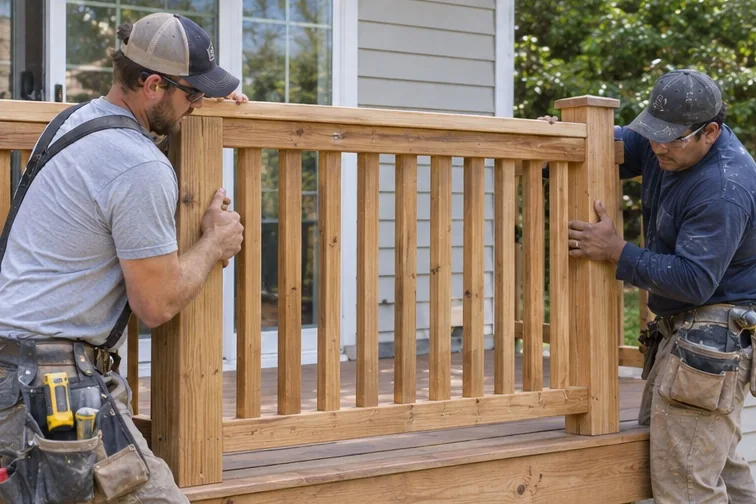
An owner may also have a fence contractor or a landscaper involved. A later message may be about when the other work is scheduled rather than the deck itself. The office can note the date and let the project lead know. When the owner is ready to move ahead, the proposal and access details are still together.
A quiet estimate can have a straightforward reason. The family may be comparing what’s included in two bids or waiting on a layout change. A check-in that refers to the railing or project date gives them something specific to answer. The builder can see whether the next conversation is about the scope, timing or a decision the owner hasn’t made yet.
When the customer approves, the crew gets the agreed scope. A new person in the office doesn’t have to look through old emails for the latest plan before confirming an arrival date. The approved job and the last conversation can be seen in the same place.
The call comes in while someone is still fastening boards
A missed-call reply can give a homeowner a way to send the address and say what they’re considering. The crew doesn’t have to stop mid-job to take an estimate request. The office can get the first details and decide who can return the call. A form request can get a first reply in the same way.
If the homeowner sends a photo and then calls, a shared inbox can keep those conversations together. One person can see what the other already asked. The builder can talk about the project instead of asking again where the deck is or whether there’s one on the property now.
That same number works for a customer with a job on the schedule. The owner may ask where to meet the crew or say the side gate will be locked. An update belongs with the property and project. Whoever is in the office can see which job the message is about before replying.
Where ads and referrals fit deck building work
A builder may have the next month filled and still have room for estimates for later work. A deck search ad can go to a page that shows the actual build the crew wants to take. The ad can lead to a real call about the material or layout. The value shows up when an estimate reaches the kind of project the builder can fit on the calendar.
A landscaper might be the first person to hear that the owner wants a deck. A neighbor could see the crew finishing a set of stairs and ask who did it. In both cases a link to similar work gives the customer something better than a name to remember. The page can show the build, the areas served and the number the office answers.
The company can look at the site visits, proposals and signed jobs from those calls. A search campaign might fill a few estimate slots. A referral from another trade might send a homeowner who has already decided on a rough layout. The original source is useful when it stays with the job long enough to see what happened.
The finished deck helps the next homeowner picture their own
The owner can see how the deck works once the last boards and railings are in place. A review after the handover gives them a chance to describe the overall work. They may remember how the crew explained the schedule, answered a question about the steps or dealt with access around the yard.
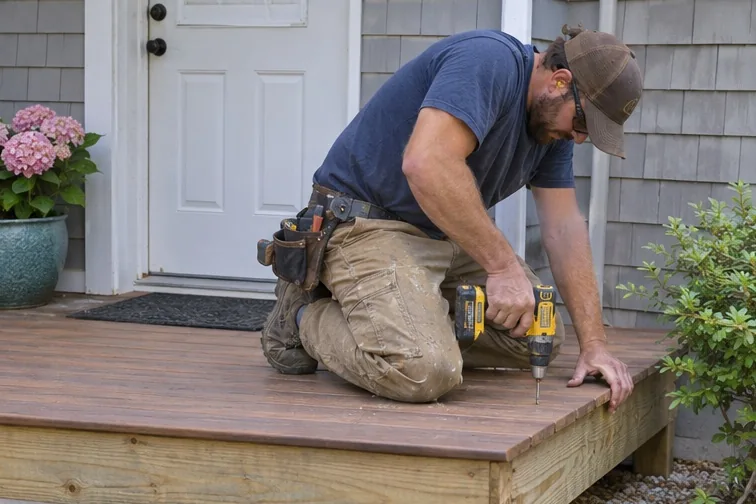
With permission, a project page can show the finished deck along with a few photos of the work underway. A note about the layout or material makes the image useful to someone browsing from a phone. An owner looking at a similar door height or slope can see a relevant example and ask about their own house.
If the customer calls about another project, the office can see what was built before. A small landing, separate rail or another section of the yard can be a new request at the same address. The contact and earlier work give the builder enough history to start without treating it as the same job.
A quote is one point in a longer deck project
A first call can tell the office that a homeowner is interested. A site visit gives the builder a chance to see the property. A proposal shows which work the company would take. The signed job is where the schedule and the customer’s decision finally meet. The requests can move through those points at different speeds.
The business can see which pages brought in projects that fit, what part of town the crew visited and how much time passed before a customer decided. A set of calls for repairs may show that the service page should describe the size of work the company takes. A few larger projects from a nearby neighborhood may show there’s a better reason to feature a finished job from that area.
Even a project that doesn’t go ahead can leave useful information. The owner may want to wait another season. The finished design may be smaller than the work the builder takes. An estimate still awaiting an answer can stay separate from a decision the customer already made.
The useful number is the work that gets booked and can be built as agreed. The website makes the company easier to find. The phone and follow-up carry the homeowner’s questions through the parts of the project that happen after they reach the site.
The steps can change even when the deck stays the same
A customer may be happy with the footprint but want the stairs moved before they approve the work. A conversation about that one change can affect the path to a gate or a patio that another crew will build. The office can bring the estimate and the latest sketch into view before it confirms what has changed.
A photo sent later can make the request clearer. The homeowner may point out a place they want to keep open for deliveries or ask about an existing walkway. Those details can stay with the property even if someone new takes the next call. When the crew arrives to start, the estimate, agreed layout and access plan can say the same thing.