
How a driveway inquiry gets to a booked pour
A homeowner sees cracks spreading across the driveway and starts looking for a concrete contractor. They may want part of the drive redone, or they may be thinking about replacing it and adding a parking space. They know the address and can send a photo. The company can use that first contact to find out what sort of visit makes sense.
A driveway page can show work the crew has done, where it takes jobs and how an estimate starts. The request may include an approximate size, access from the street and whether there’s existing concrete to deal with. The estimator can see the property before writing the scope. The person calling doesn’t have to work out all the details from a form.
A proposal can give the customer a way to see what’s included and where the crew will be working. A question about a side walk or an extra strip can come back through the same conversation. The office can see what has already been quoted before confirming whether that part was included.
Once the owner approves, the booking can stay beside the original notes. The person arranging the work can see what the customer expects, which area the crew needs and who is going to be there. The job stays connected to the search or call that got it started.
A concrete website shows the difference between a driveway, patio and walk
A person replacing a driveway has different questions from someone getting a patio behind the house. A front walk may be a smaller job with a separate access question. A website can show the projects the company takes and give each regular service its own page.
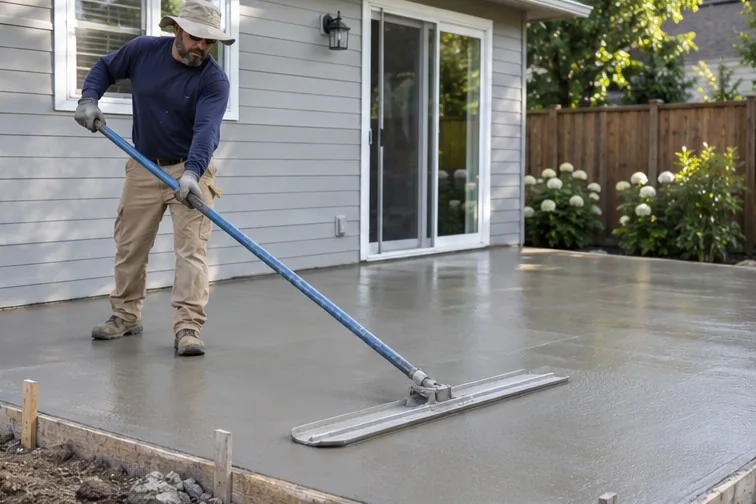
A driveway page can show how the work fits the garage and the street. A patio page can show the size and shape of finished areas next to a house. A sidewalk page can cover the kind of work the crew does around the rest of the property. The visitor can see examples and use a short form from the page they came to.
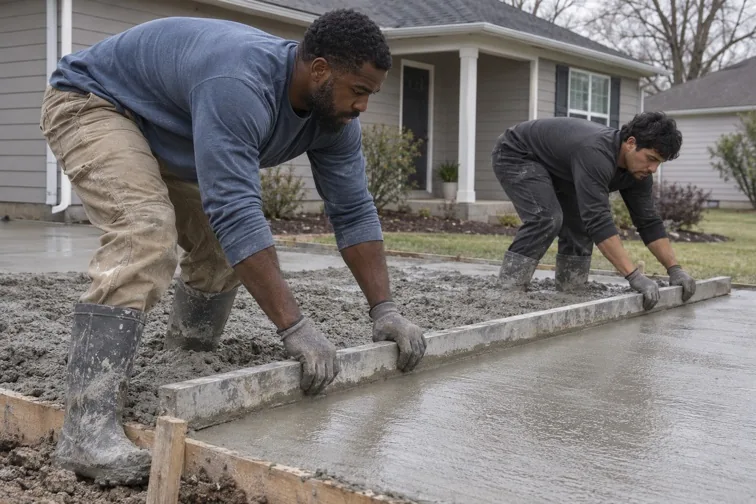
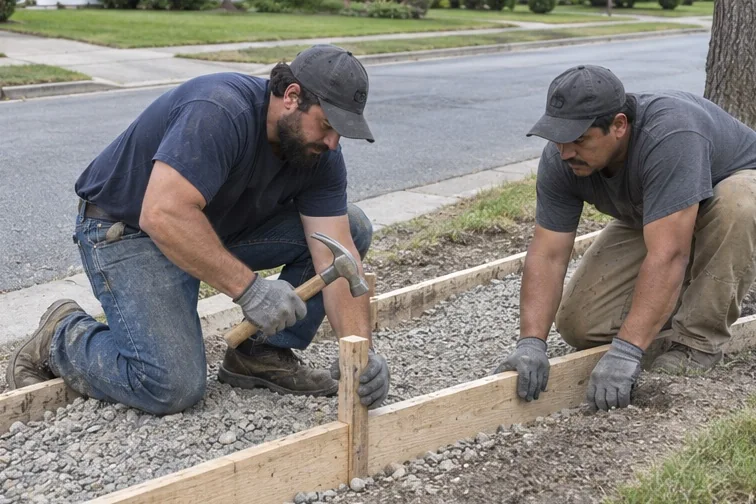
A photograph of the finished surface is useful. A photo of the crew setting forms or finishing a slab can show more of what went into the job. A short description can tell the homeowner what scope was included. The next customer can see something relevant without assuming that the same job fits every yard.
The website can make it clear whether the contractor takes cutting, replacement, small repair calls or only certain sizes of new work. That gives the customer a practical way to start. An owner with a repair question can describe what’s there rather than choose a service they don’t understand.
What happens after a customer reaches out?
A 30-minute look at the website, phone and follow-up.
The first concrete request carries the details the office can use
A customer may know they want a pad behind the house and only have a rough sense of size. A business owner may already have a plan for a walkway and a date when it needs to be open. The office can see where the work is, what needs to be built and who can talk about access. The estimator can ask for more once they know which job it is.
A wide photo of the site can show how far it is from the street or whether the crew will need to work near a fence. An owner with a cracked slab may send a closer shot of the area they want someone to look at. The photos give the office context for a callback. The contractor still has room to check the property before sending a firm estimate.
The first contact can also say what else is happening on the site. A landscaper could be waiting on the patio, or the owner may be scheduling work around a move-in date. The company can explain whether that timeline fits when it knows what the job involves.
The request is enough to start a conversation. The proposal can describe the work agreed at the property and the details that affect it. When those two things stay together, whoever answers the next call has the right address and a way to see what was already discussed.
Local search for the concrete work the crew actually takes
One homeowner searches for concrete driveway replacement nearby. Another types in concrete patio installers and the name of their town. Both can reach the company through different pages. The relevant service can show recent work, an area the crew serves and a number the customer can reach.
The company’s Google Business Profile gives someone a way to see the business and check its phone number. A service page can explain the estimate process and show more than one kind of job. Local examples are useful when they help the person understand what the crew built and where it works.
The area can depend on the work. A large slab may fit a trip that doesn’t make sense for a short walk repair. A contractor can describe where it generally takes each kind of project. The office can check the property and the schedule before giving the caller a date.
Referrals can use the same pages. A builder may know someone who needs a pad after a project. A neighbor may have seen a new driveway go in and want a similar one. Each can see what the company does and call without needing a separate number for a referral.
When a concrete estimate comes back with a change
A homeowner sees the estimate and asks whether the walk from the front door can be included. The crew has already looked at the driveway. The office can see the first scope and get the added question to the person who saw the house. A revised proposal can make the new work clear without losing the earlier discussion.
Another customer may want to wait until a fence or another part of the yard is done. The office can keep a note of that timing with the estimate. A follow-up around the date the customer mentioned can refer to the work instead of starting another general conversation about whether they want a quote.
While the proposal is open, the customer may ask about access or what days the crew has. The person answering can look at the earlier notes, see which part of the property the customer means and get a question about the work to the estimator. The same business number can handle both.
After approval, the schedule can show which shape and scope the crew is getting ready to build. A last-minute change to access or timing can be confirmed while the original agreement stays in view. The crew and owner can refer to the same information when the job starts.
A call can come in while the crew is placing concrete
The phone may ring when there’s no good time to pick it up. A missed-call text gives someone a chance to send an address and say what they’re looking at. A website form can get a first reply too. The office can see the request while the crew stays with the work it already has on site.
A shared inbox helps if a customer both calls and sends a few photos. The person who calls back can tell whether anyone got to the request already and what the customer asked about. They can check whether it’s in the area and whether it needs an estimate visit.
An owner with existing work on the schedule can also reach that number. They might ask when to move a car or tell the office who will meet the crew. A note on the right job gives the person heading out the latest access information. The message stays with the booking rather than a private phone thread.
Small commercial jobs have a different set of timing questions
A manager who needs a walkway replaced may want to know which entrance will be affected and when people can use it again. The address can include several doors or a shared driveway. A first contact can name the part of the property and who will be there for the visit.
A concrete company that takes those jobs can have a page for them. It can show examples of walks, pads or other work around a site and give the manager a way to request an estimate. The site details, scope and people involved can stay with the right location.
A manager may have another job after the first visit. It can come in through the same number while the office keeps the sites separate. A new pad at a second address needs its own approval, even if the manager knows the crew from the walkway. The record helps the office see where the next request belongs.
How ads and referrals translate to work on the calendar
A driveway ad can lead to a page with completed driveways and a short quote form. It can be useful in an area where the crew has room for that job. Comparing calls, site visits and approved work shows what the ad brought in. Requests for work outside the route may take time even when they look like a busy campaign.
A referral from a landscaper can arrive at a different stage. The customer may know the patio location because the rest of the yard is already planned. A homeowner who sees a new driveway on their street may start with a picture and a question. Each can find a useful example and get the same number.
The company can see which source brought the work that made it to the schedule. A few jobs near each other can make sense for a crew even when the total number of requests is low. A quote that takes weeks to get approved can still be traced to the page or person that introduced it.
The finished slab gives the next customer something useful to see
Once the work is finished, the homeowner can see the shape of the driveway, walk or patio. They may also remember whether the team explained when it would be there and what would happen around the rest of the yard. A review link gives them a simple way to describe the visit after the crew leaves.
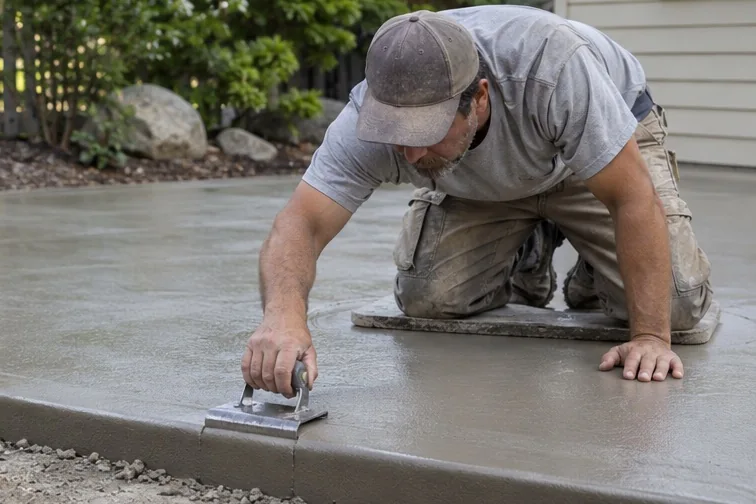
A photograph can show the finished work at a property with similar access or layout. A short description can explain what the project included. With permission, the company can use the example on the page for that kind of work. The next person sees an example that helps them ask about their own property.
A customer may call back about a second slab or pass along the contractor’s name. The office can look at the work the company has already done and keep a separate scope for the new request. The review, job example and business number can all lead to another visit.
Booked jobs show where the site and follow-up helped
A first call may be for work the crew doesn’t take. A site visit may show where the job fits. The proposal may take a while to approve. Those steps are easy to mix up when the business only looks at calls for the week. The company can see more when the request, proposal and booking stay together.
The office can tell which pages led to driveway replacements, which brought in patio estimates and which towns regularly produced work. A quiet quote can have a timing reason that has nothing to do with the website. A group of calls for a service the crew rarely takes can show where a page may need more detail.
The calendar tells the company which work actually reached the crew. That’s the part the business can compare with the photos it shows, the areas it serves and the calls it gets. The website, phone and follow-up give the customer a way to reach the next decision and give the office a way to see what happened.