
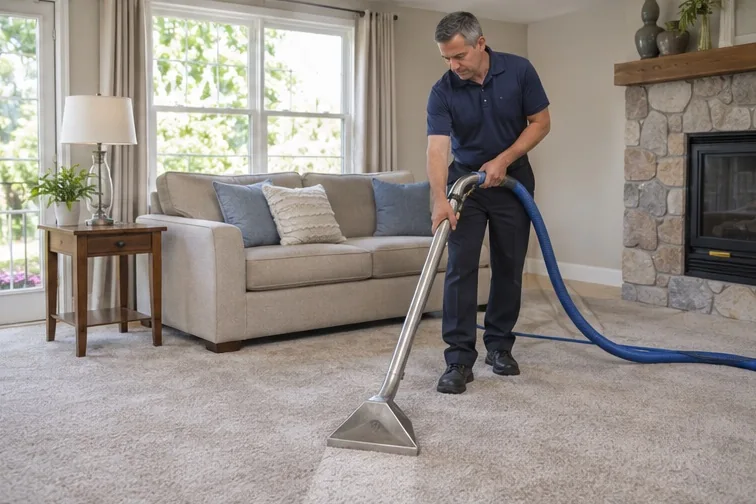
How a move-out carpet cleaning request turns into booked work
A renter has a handover on Friday and needs three rooms cleaned on Thursday. They search for a move-out carpet cleaner and land on a page that explains which areas you cover, what to do about furniture, and how to ask about availability.
The customer sends the ZIP code, room count, deadline and access notes. The office checks Thursday’s route and calls back. If stairs or a hallway need separate attention, that goes into the scope before the renter approves the visit.
The arrival window goes into the same thread, so the renter can find it or send a change to the key pickup. After the cleaning, the office can send any handover details and a review link. The next renter trying to meet a deadline can see what the visit was like.
Carpet, upholstery and move-out work have different pages
Carpet cleaning may be the main service. Upholstery has its own questions about the pieces the crew can handle. Move-out cleaning is often about keys and a handover date. A commercial page can explain how after-hours visits work and where a property manager sends the scope.
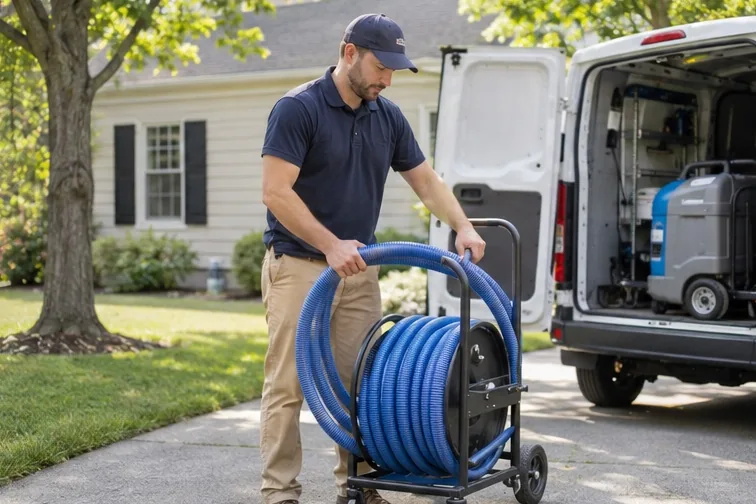
A homeowner reading about carpet cleaning often wants to know what to move and when the room can be used again. Drying times vary with the service and the property. A page can explain how your team talks through those details and what it needs to know about a pet spot before confirming the job.
A recent project photo can show a traffic lane, stairs or a sofa in daylight. A few words about what the customer asked for give the picture a purpose. Someone who has a similar job can tell if it makes sense to call.
How SystemsPal handles calls and carpet cleaning bookings
A 30-minute look at the website, phone and follow-up.
The details that make a booking workable
A customer may say there are three rooms and then mention a stairway and a chair. Their deadline may be firm while the key pickup is still in the air. A short call gives the office time to confirm those details before the job goes on the schedule.
When a customer is comparing quotes, the rooms and items on the quote tell them what is covered. If the request changes, the confirmation can reflect the new scope while the technician still has the original notes. The crew knows what’s been discussed before arriving.
A renter packing boxes is likely to make the request on a phone. A short form gets the address, rooms and date to the office. Anything more specific can come up on the callback.
Local search in the areas the van already serves
Carpet cleaning near me, upholstery cleaning and move-out cleaning can lead to different pages. The customer sees the work the crew does, where it travels and what to put in a request without hunting for the phone number.
Current hours and service details on a Google Business Profile give the customer a quick answer. Photos of carpet, stairs or upholstery can show the kind of work the business takes. The website has more room for scope, access and timing questions.
A booking in the same ZIP code as two existing customers can be worth more to a route than an isolated call farther away. If the van goes to a larger area on certain days, the office can offer those dates when it replies. The schedule shows where another job can fit.
From a missed call to a workable cleaning schedule
The phone often rings while the extraction machine is loud or the technician is upstairs. A missed-call reply asking for the ZIP code and what needs cleaning gives the office something to act on. A website form can collect the same basics, so both channels lead to a consistent callback.
A confirmation can include the rooms, arrival window and anything the customer needs to move. If a previous job runs late, the office can send an update from the same number. The customer can find the latest details without searching through two conversations.
A busy phone doesn’t tell the office which source fills the van. Completed jobs show which neighborhoods, rental accounts and past customers turned into work your crew could deliver.
Missed-Call Text-Back · Lead Follow-Up
Returning households and property managers
The customer record can hold the rooms and furniture cleaned last time, along with any access notes. When the customer calls about a second visit, the office can ask what changed. They don’t have to describe the entire property again.
A property manager may have three units at different addresses, with keys and dates moving around. A page for turnovers can explain what the office needs for each booking. The unit and scope stay with the relevant visit even when the manager sends several requests from one number.
An ad for move-out cleaning can be useful on a route that has room. The page can cover room count, access and timing before the call. Completed jobs and repeat bookings show whether that work fits the days the van is already out.
Repeat work after a finished clean
A review after the job can mention the arrival window, an update from the office or the result in a heavily used room. A simple link gives the customer somewhere to leave it while the service is still fresh.
Months later, the customer may want the same rooms or something different. The previous job stays in the customer record. A message about a route opening or a seasonal cleaning gives the household an easy way to reply to the number they know.
How a two-stop morning turns into three
The van already has a living-room clean and a move-out booked on Thursday morning. A past customer nearby texts about an upstairs hallway. The office can see the address, the old job and the parking note, then check whether there’s a gap between the other visits. The customer only has to explain what changed.
There’s a different answer when the same request comes from two towns away. It may fit better on another day or need a different arrival window. Those details can be confirmed over text, with the job and access information still in front of the technician. The way the office handles one extra stop can be as important to the day as the next new inquiry.
The move-out deadline is part of the job
A renter calls from a half-empty apartment. There are boxes in the hall and the keys are due back Friday morning. The customer may be comparing a few cleaners at once. They want to know whether there’s a slot, what rooms the quote covers and whether the crew can get in if the renter is already at the new place.

A move-out page can show the area the van covers and give the renter a way to send the date, rooms and access notes. The office can check the route before it calls back. If there’s a flight of stairs or a pet spot the customer didn’t mention on the first form, that goes into the conversation before the quote is agreed.
The confirmation is useful to both sides. The renter can find the arrival window or message the office about a key. The technician can see which unit, who will be there and what needs cleaning. A delay at the previous job can be handled through the number the customer already has.
A sofa request doesn’t start like a carpet request
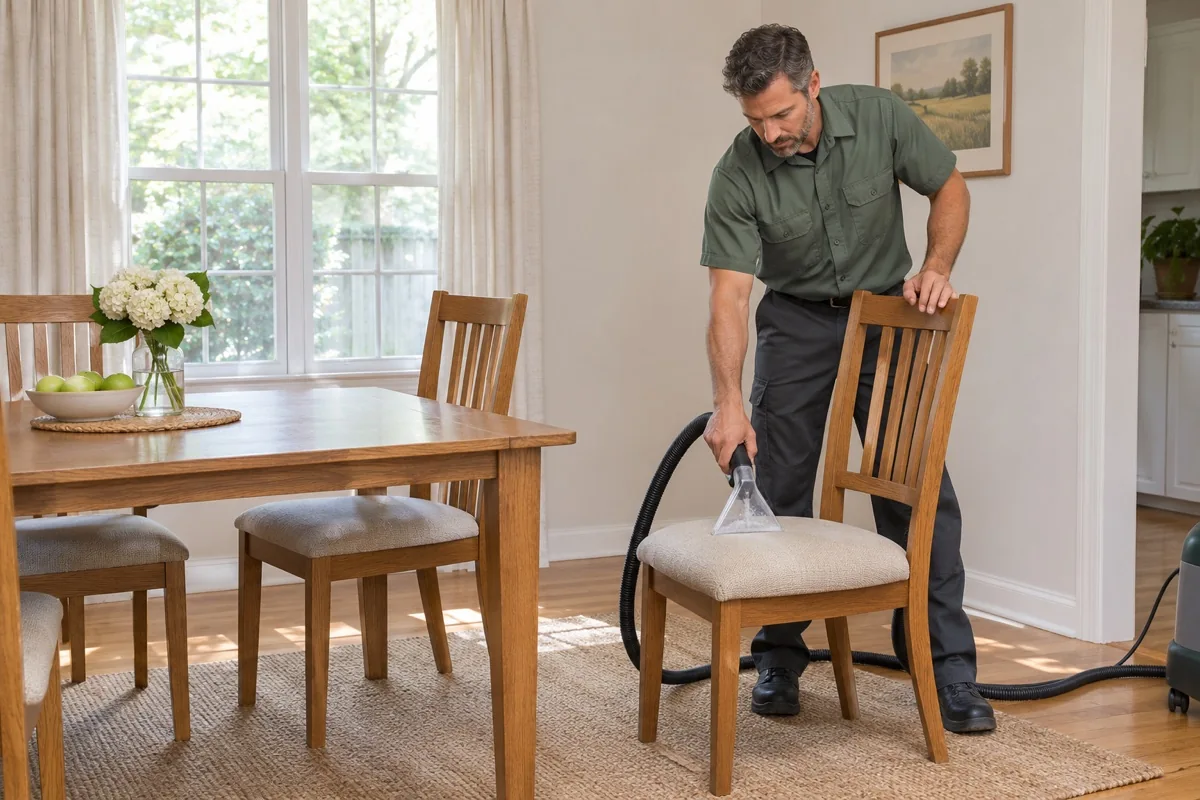
A caller might say they have a couch that needs cleaning, then mention it has a chaise and two loose cushions. Another household may be looking at a pair of dining chairs. A page about upholstery gives the customer room to describe the pieces, instead of asking them to count rooms on a carpet form.
The office can see what the customer sent, ask about the piece and decide whether the crew needs a closer look before quoting. A photo can help with the basic shape and size. The technician can see the same conversation and clarify the scope when there’s something the photo didn’t show.
The next call from that customer may be about the living-room carpet. Their number and the earlier work are already there. The office can see that the first request was for the sofa and handle the new cleaning as a different job at the same address.
The route changes when an extra room comes up
A quote for two rooms can turn into three when the homeowner gets ready for the visit. An add-on may fit the slot or need more time than the van has before its next stop. The office can see the original quote, the new request and the jobs on either side of it before confirming the change.
That sort of call is easier to handle when the customer replies to the booking message. The technician can get the new scope without searching for a separate note. The customer can see the updated arrival time if the change moves it. If the extra room has to wait for another day, the team has a record of what was asked.
Some neighborhoods can support several jobs on one route. A short drive from one booked clean to the next leaves room for work that would be hard to take as a stand-alone trip. Local search can bring those calls in. The job record helps the office see which ones really fit the calendar.
The property manager with three addresses and one phone number
A manager may have one unit empty, one waiting on a painter and one with a tenant in place. All three requests can come through the same contact. The address, unit and access date are what make each one bookable. A turnover page gives the manager an easy way to send those details without having to find a personal cell number for the technician.
The office can keep separate scopes and arrival windows alongside the manager’s contact. If keys for one apartment are held up, the other two jobs can still go ahead. The technician knows which carpet needs cleaning and where the key will be. The manager can get an update that says which unit the message is about.
A commercial carpet account can develop in much the same way. It might start with a one-off clean near a busy entrance. The next request may be for service on a day when fewer people are in the building. The original scope gives the office a place to start when the manager asks about a recurring visit.
Repeat bookings are part of what a carpet cleaning page brings in
Someone may find the company through a move-out search and call again a year later about the house they moved into. Another customer may book after seeing a review about a technician who arrived on time and kept them updated. The first service and the later work can sit under the same contact even if the address changes.
A review request after the job gives the customer a simple link while the visit is still fresh. If they mention the arrival, a busy hallway or how the crew handled a deadline, the next person has a better idea of what a real appointment looks like. It also helps someone who found the business through local search decide whether to call.
The office can see how these inquiries show up on the schedule. One service may bring in lots of quick searches and few completed visits. Another may produce fewer calls and fill the route several times a month. Looking at the cleans the van actually completed gives the company a better picture of what the website and follow-up are doing.
What happens when the customer asks for the same technician
A returning customer may remember who came last time or where they left the key. The office can check the past job and see whether that technician is already in the area. If another person is on the route, the booking can still carry the same access notes and the scope the customer expects.
A review and a booking record serve different purposes here. The review lets the next customer see what the visit was like. The booking tells the office which rooms were on the job and how it fit into the route. Together they make the first visit useful long after the carpet has dried. A return request can come back through the same phone number, with the old information still available when the office replies.